

Overview
Managira uses roles to control what each user can see and do. Permissions are pre-selected based on the chosen role, and you can add or remove any before saving. High-risk permissions (Billing, Settings) require a Manager account.
Roles
- Manager — sees everything across classes and the organization, except anything specifically restricted from them.
- Supervisor — sees everything as well, except a few permissions that may be restricted from them.
- Main Teacher — a regular teacher with all teacher roles, plus extra visibility. They can see the activities of other teachers in their class and can mark or collect attendance.
- Teacher — sees only what has been assigned to them: their classes, subjects, and any extra permissions granted.
Optional extra permissions
- Manage Employees — add, edit, or remove employee accounts.
- Manage Students — add, edit, or manage student records.
- Manage Guardians — add and manage guardian information.
- Manage Assessments & Scores — create assessments and enter or edit scores.
- Set Assessment Questions — create and manage assessment questions.
- Mark Attendance — record and manage class attendance.
- Manage Reports/Printing — generate, manage, and print reports.
- Manage School Records — access and manage school records.
- Manage Promotions — process student promotions.
- Approve Promotions — give final approval for student promotions.
- Approve Admissions — approve new student admissions.
- Publish Events & Announcements — post events and announcements to the school.
- Manage School Years & Terms — create and manage school years and terms.
- Manage Classes & Subjects — create and manage classes and subjects.
- Generate Transcripts — generate student transcripts.
- Manage Billing — manage billing records and fees.
- Manage Organization Settings — access and change organization-wide settings.
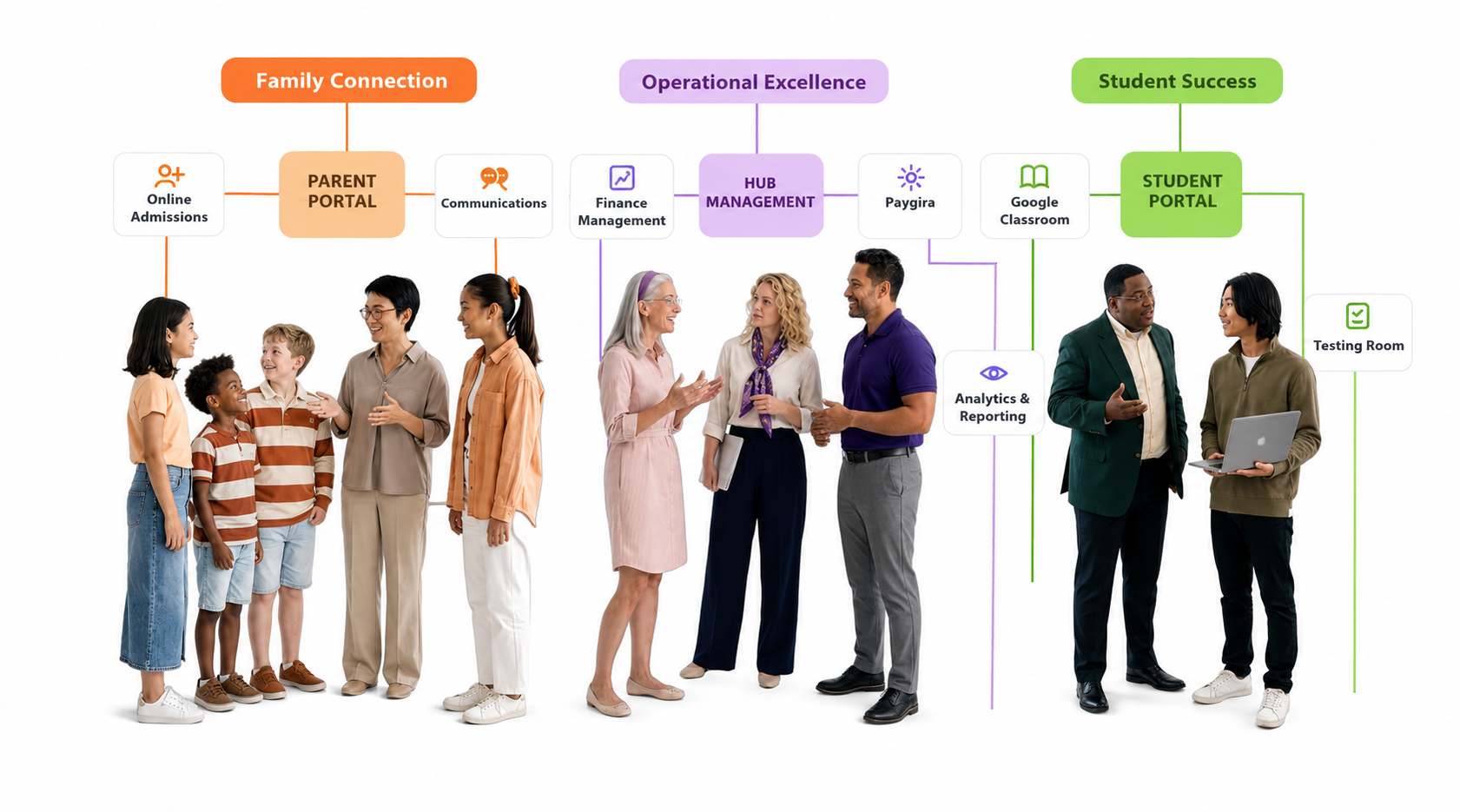
- PayGira (Finance & Billing) — access PayGira finance and billing tools.
Assign a main teacher
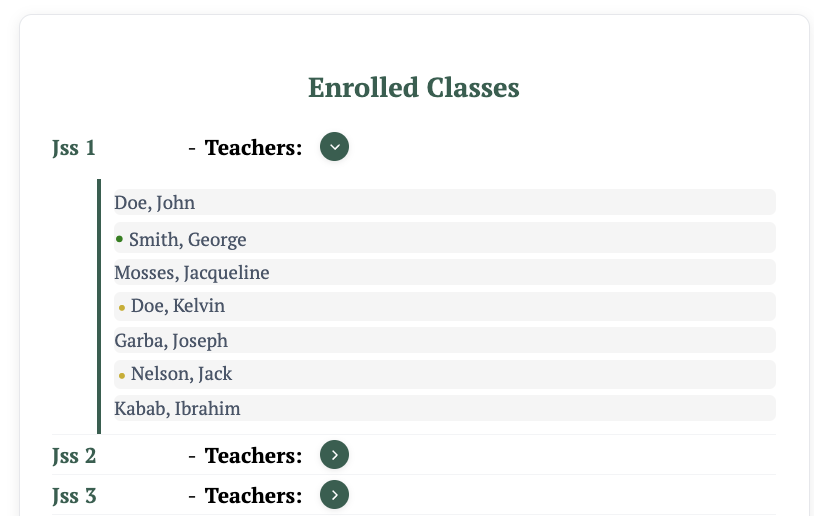
- Open the classroom of the particular class.
- Click the dropdown to pull down the list of teachers.
- Select the radio button beside the teacher you intend to make the main teacher.
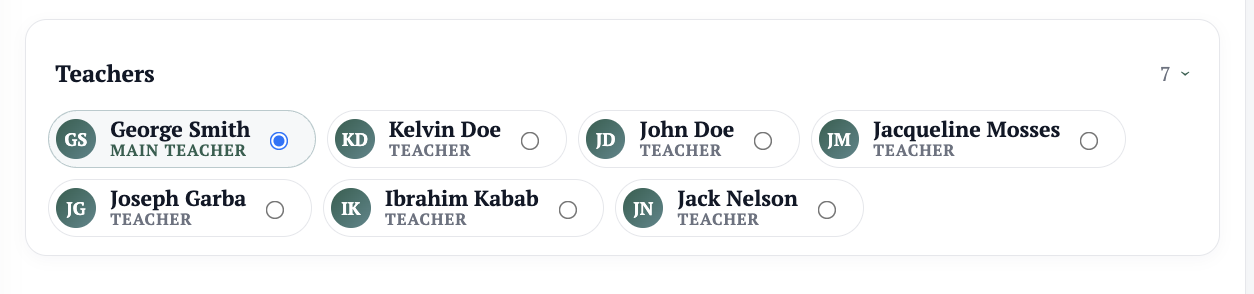
- Confirm — the teacher now has access to attendance and all main teacher privileges.
Note: On the organization dashboard, the main teacher appears with a green dot indicator when you drop down the class teacher list