



Overview
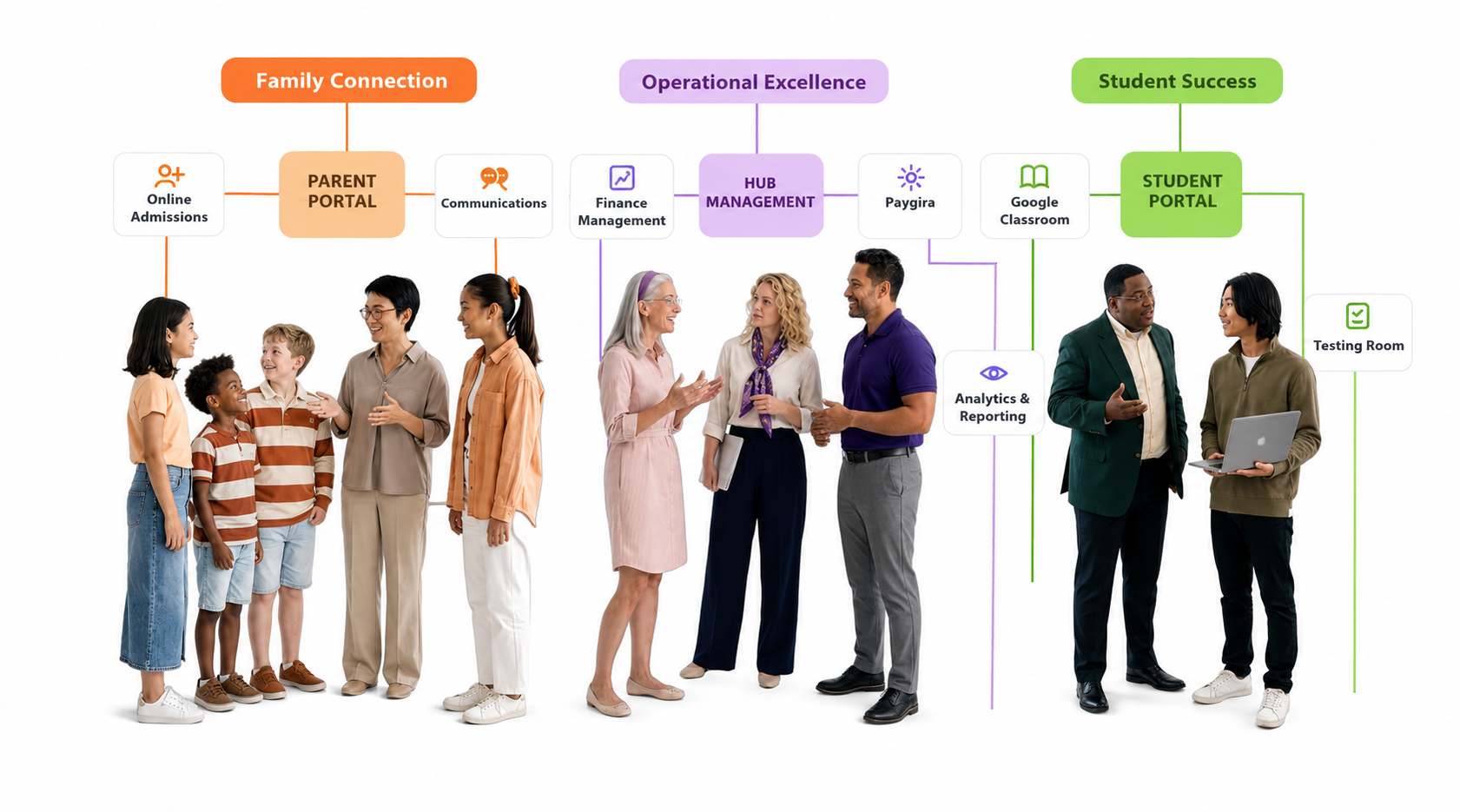
Guardians can be added to students so they can track academic progress and access student and school information, creating a two-way tracking system.
Once added, an email is sent to the guardian to set up their password and access the parent portal.
Ways to add a guardian
- During student creation — on Add Student (admissions), expand Add Guardian/Parent to create a new guardian or search for an existing one and attach them to the student.
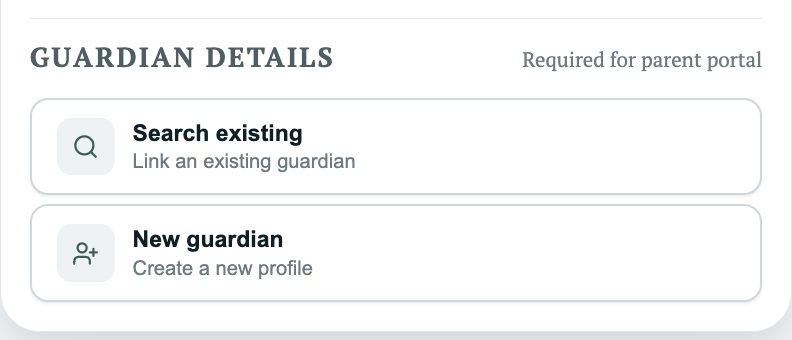
- Public registration — on the public register page, add a new guardian or search for an existing one the same way.
- After student creation — through Modify Student, search for or create a new guardian and attach them.
Note: During bulk registration, if the same parent is added multiple times for different children, Managira automatically merges them and maps all those students to one parent account. There is no room for duplicate parent accounts.
Modify guardian information
- Navigate to Classrooms by clickong on the class name on the dashboard and select the student to open their student details page.
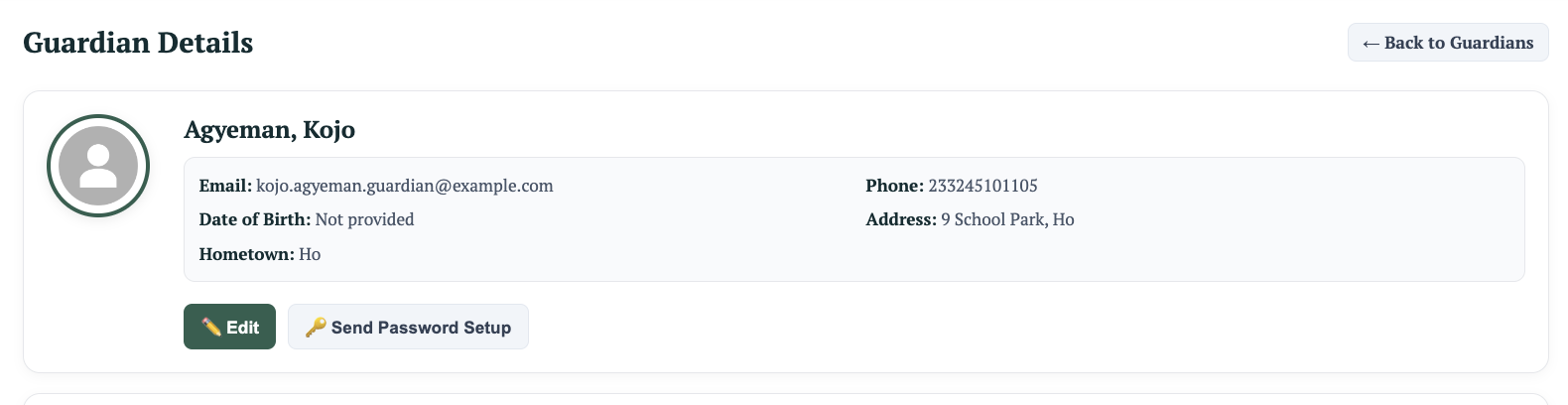
- View the guardians attached to the student.
- With the right permissions, edit their info or send a password setup request.
All actions are logged for audit purposes.
View all guardians
Go to Management Tools → Parent/Guardian to see a list of all guardians (permission-dependent). This page shows who is active with access and who is not. Click View to send invites when needed. Once a guardian sets their password, they can log into the parent portal.
Important: Always link guardians to the correct student records before enabling portal access to ensure they can view the right student information.
Unlink or remove a student from a guardian
- Go to the guardian's view page to see all students attached to them.
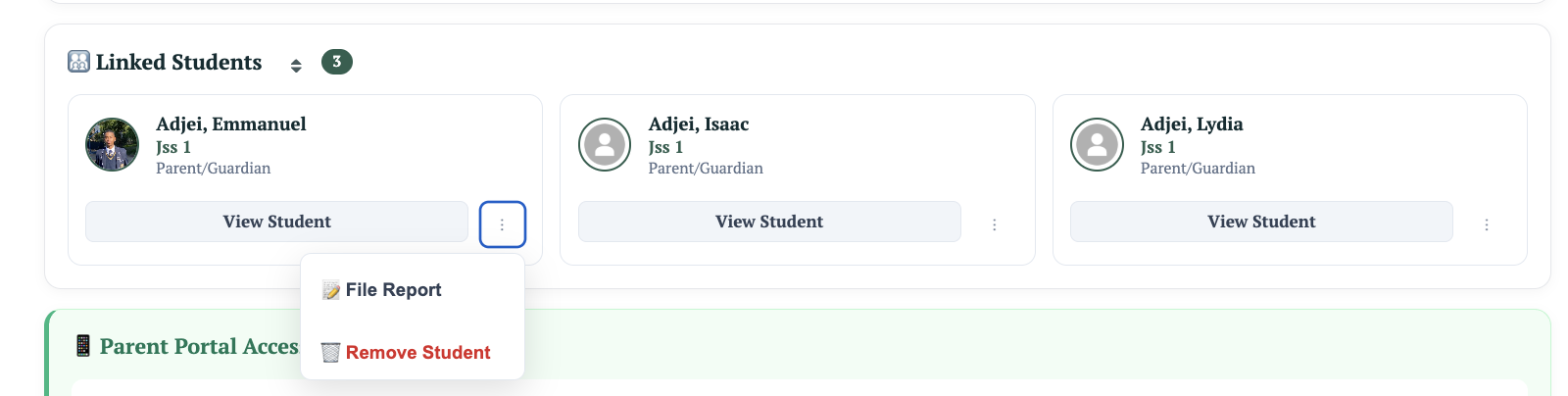
- Click Remove beside the student.
- In the pop-up, choose to re-attach the student to a different guardian or simply remove them.
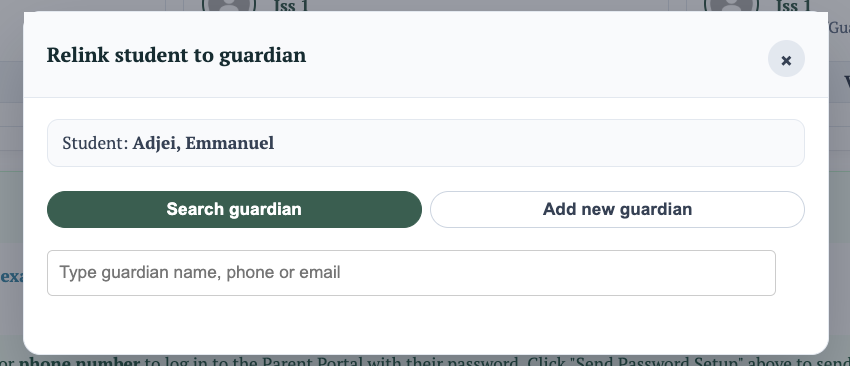
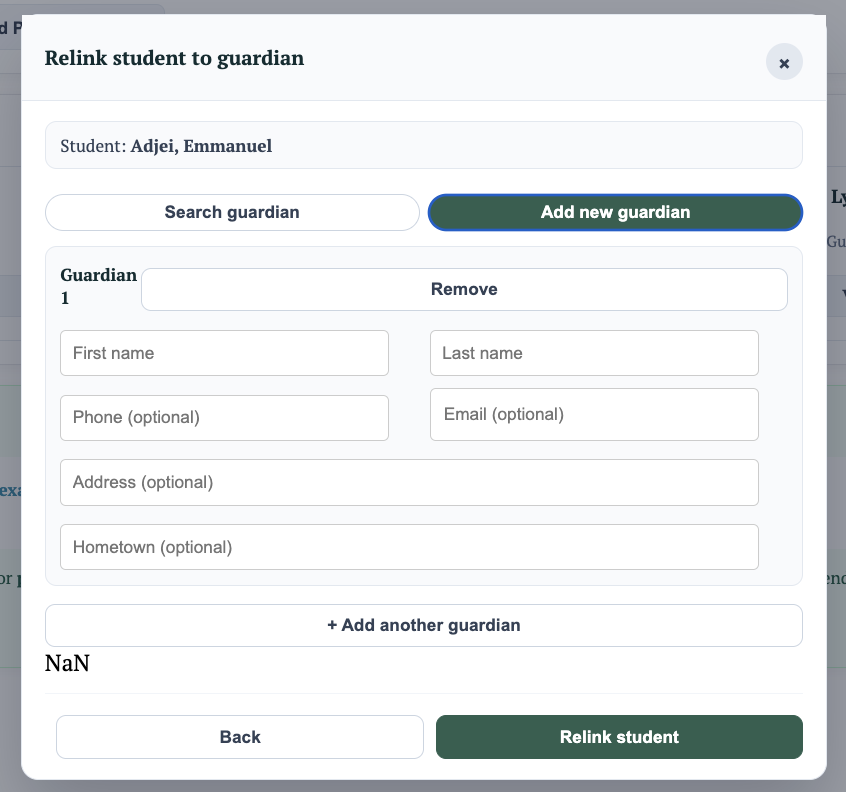
The student remains in the system without a guardian when removed. You can always attach a different guardian later through Modify Student.