

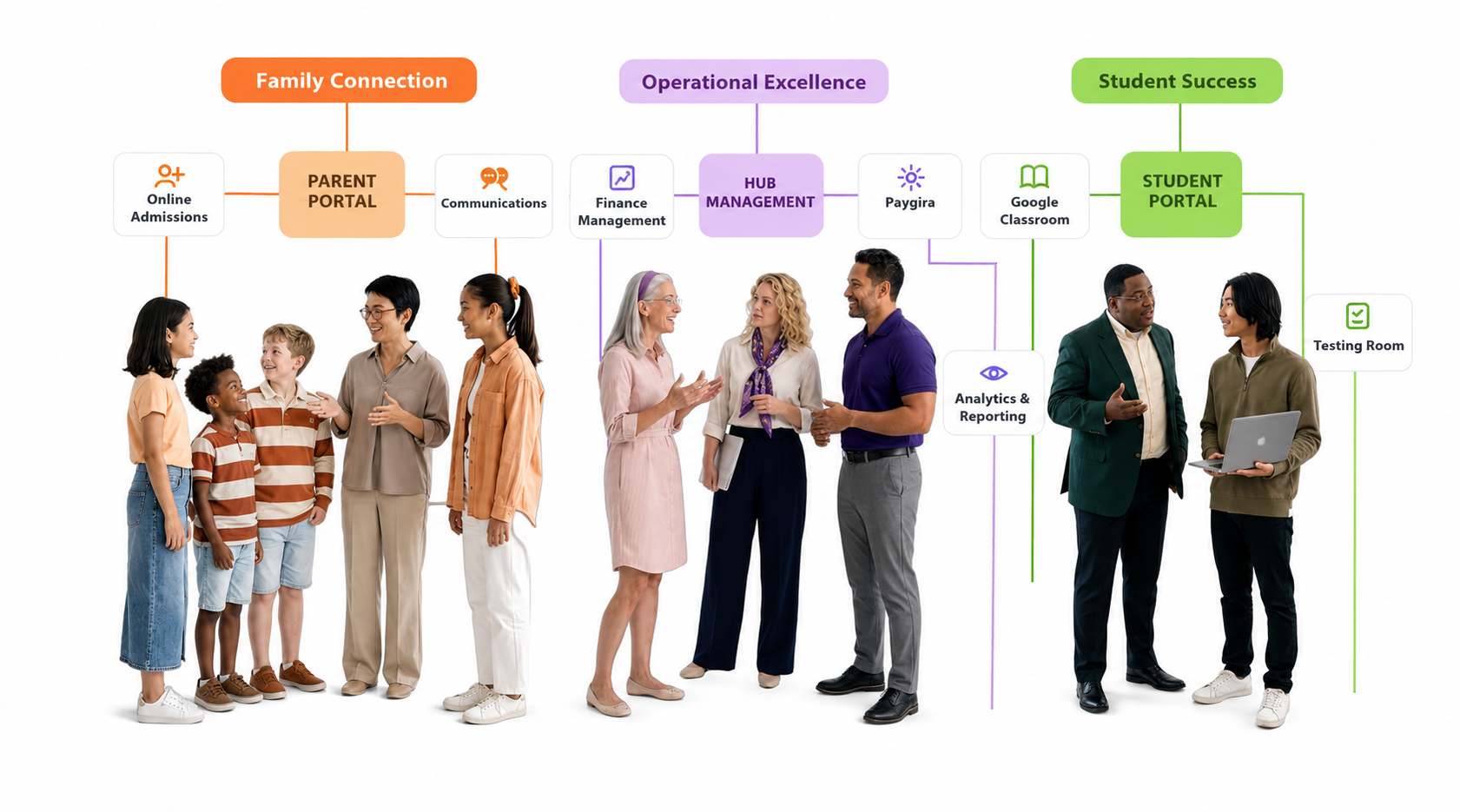
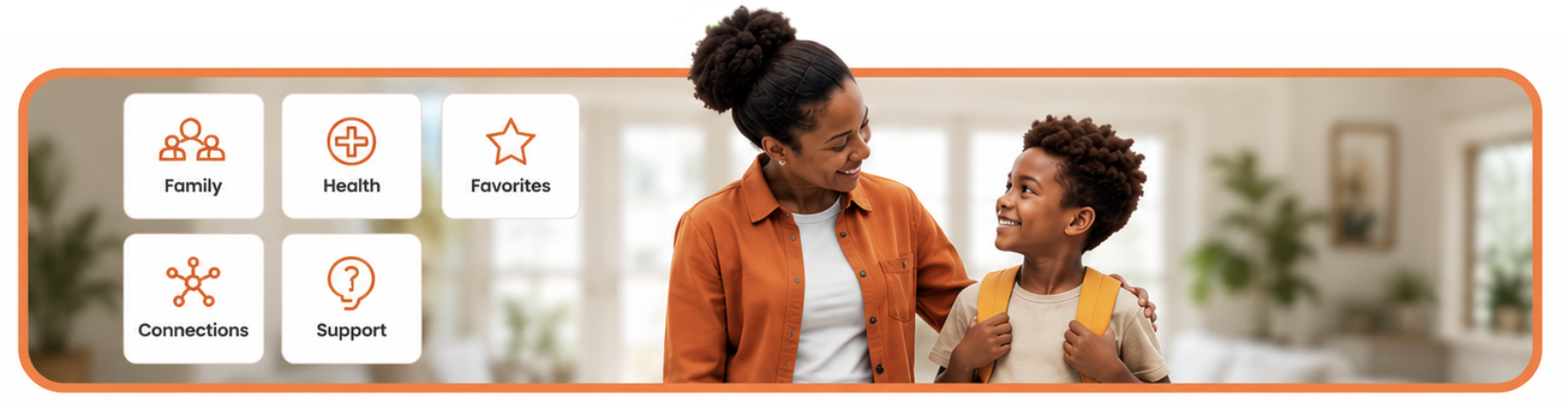

Overview
The Parent Portal is accessible only to parents and guardians who have been added to a student and have set up their password. If you don't have access, kindly contact your child's school to get access.
What Parents Can Do
- View all their students — parents have access to every student linked to them in one place.
- Academic details — view the student's academic performance for the semester, as allowed by the school.
- Student information — view the child's student information, class schedule, and attendance summary.
- School website — access the school's website directly from the portal.
- My Report — lodge complaints and reports about their children to the teachers or those in charge. Teachers can also reply or send complaints to the parent, and parents are notified through their email.
Paygira for Parents
- When a child is billed, the parent receives a notification and can make payment on the Parent Portal for the child, directly to the school's account.
- Parents can view their payment summary, any amounts paid to the school, and invoice history for the term.
- Parents can save their cards and use them each time they make payments to the school.
Notification Settings
Payment notifications can be turned off in Settings if parents do not want to receive certain messages from the school.