


Overview
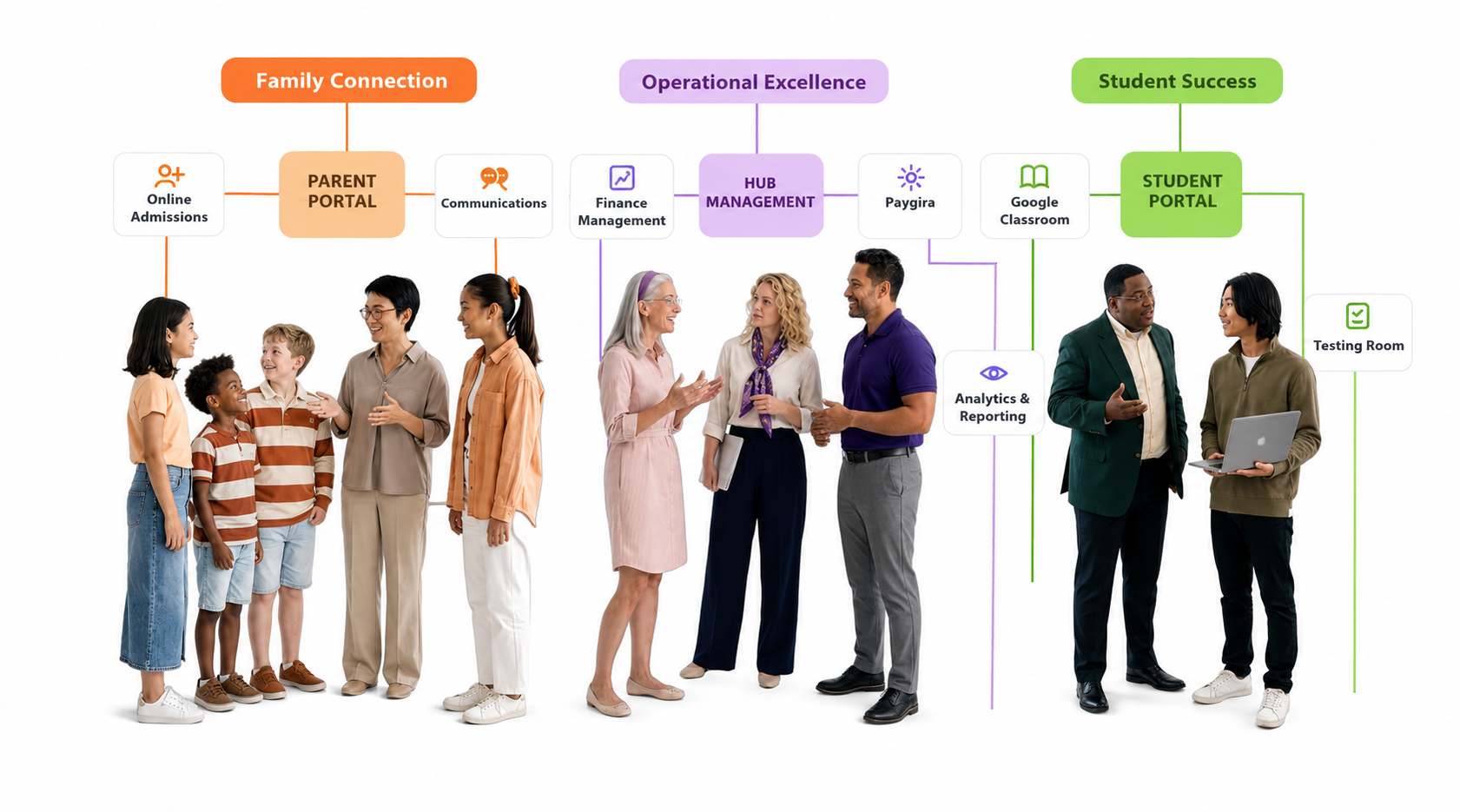
Integrations connect Managira to other services, such as WhatsApp, text messages (SMS), Google Classroom and maps. Turn on only the ones your school needs. You can ask for a new one under Settings › Feedback › Feature request.
Turn on an integration
- Go to Management Tools › Integrations.
- Find the integration and choose Activate from its menu.
- Follow the steps on its card. Most take a few minutes.
Setup guides
Costs
Most integrations are free in Managira. Messaging services (WhatsApp, SMS) are paid to the provider by your school. If your school belongs to a hub, the hub’s plan may add a fee for some integrations; you’ll be told before any fee applies.
Frequently asked questions
Do integrations cost extra?
Usually not in Managira. Messaging providers charge your school for messages they send, and a hub plan may include a fee you’re told about first.
Who can turn integrations on?
People with the Manage Settings permission.