Overview
Account access is always recoverable, even after forgetting your password or login information. If the issue relates to your email or username, contact your organization for help. Otherwise, reset your password.Note: Password resets are only sent to users already registered in Managira. If your email or account doesn't exist, you will not receive a confirmation code or reset option. Reset links are only active for a limited time before they expire.
Steps
- Open the login page and choose Forgot Password.
- Enter the email address linked to the account.
- Open the reset link sent by email.
- Set your new password.
If the email does not arrive
- Check spam or junk folders.
- Confirm the correct account email was entered.
- For Parent/guardian accounts and Students Accounts, the school should trigger a guardian reset from the guardian management area.
Please contact the school as a Parent or a student for quick help on recovering your account

-
School intelligence, ready when you are.
Ask questions, find records, create summaries, and handle everyday school work through a thoughtful AI assistant built into Managira.
Explore Mira Mira helps with Look up records Create summaries Take permission-aware actions
 -
One platform for connected school communities.
Managira helps you connect with home communities and large campuses in a more modern, intelligent way, unifying communication, learning, operations, and decision-making in one seamless experience.
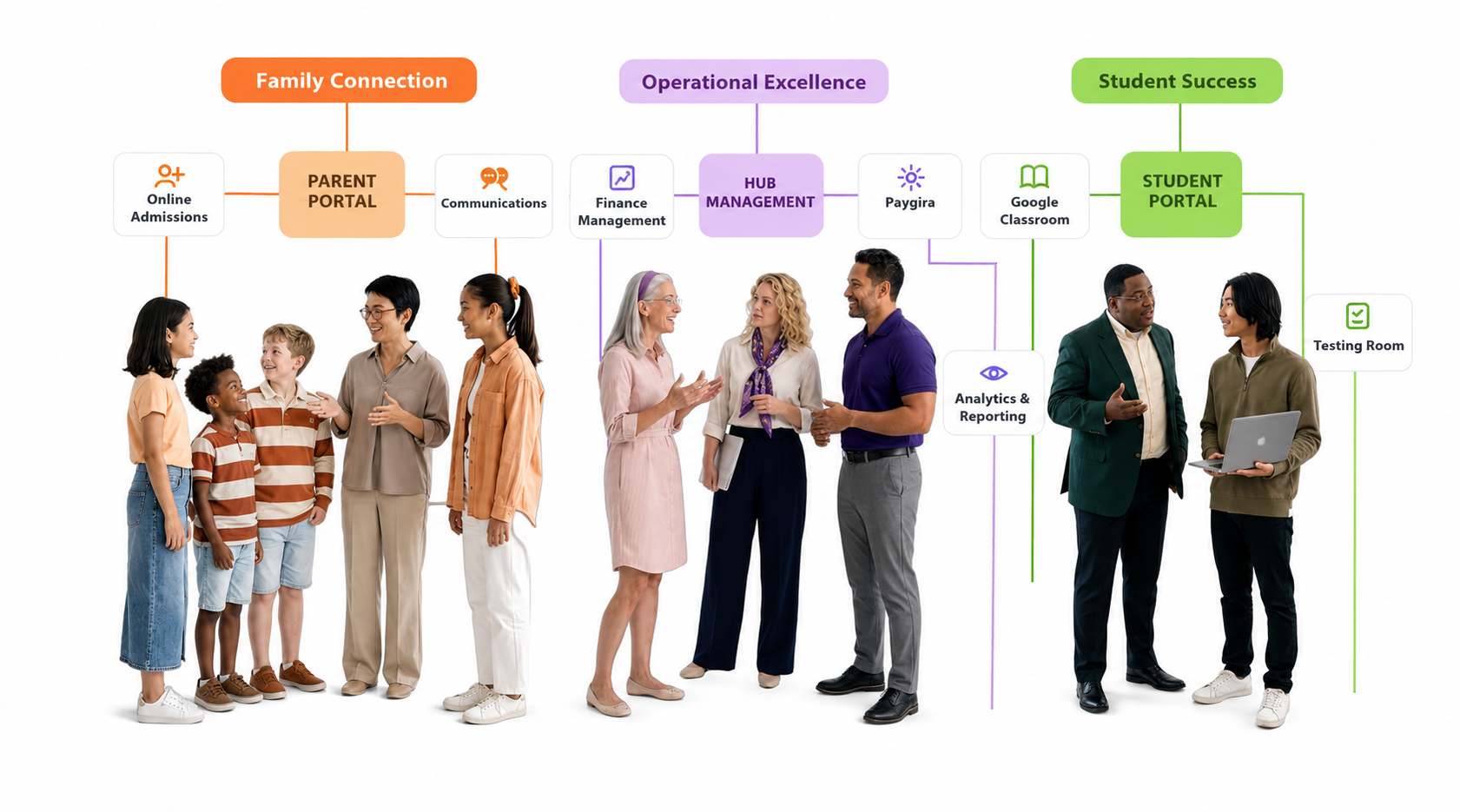 Capabilities Contextual AI Data Infrastructure Security
 -
Built for student success and trusted school communities.
Provide clear visibility for schools, families, and the wider community.
Explore all productsFamily Connections Parent Portal Keep families informed in real time. Student Schedule Plan Help homes follow student plans and routines. School Website Manage your public-facing school presence with ease. Communication Reach families by text, email, and WhatsApp. School website support and more. View All Family Features See the complete list and explanation of all Family Connections capabilities.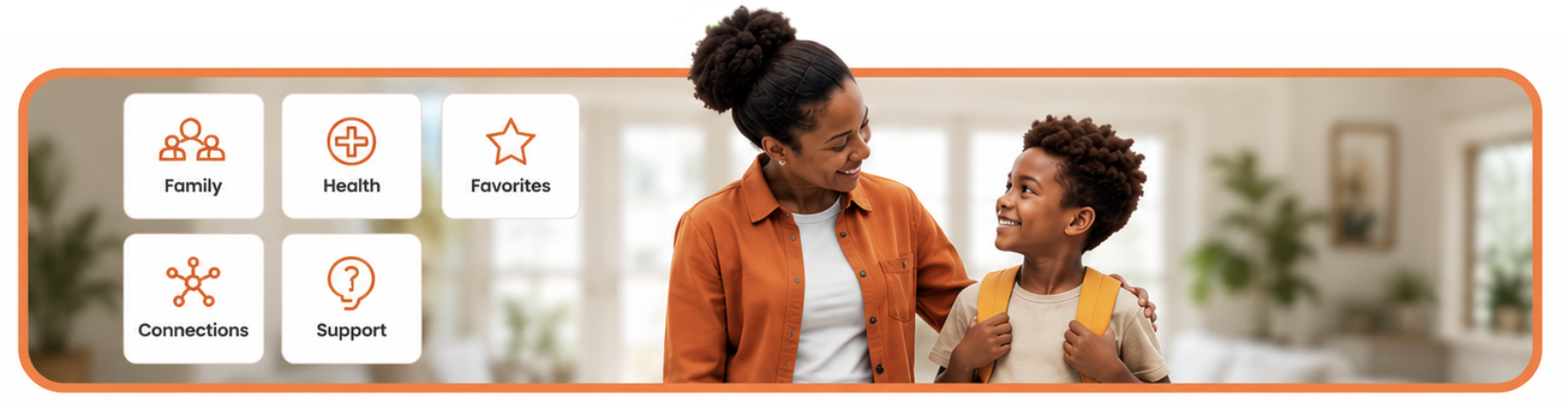 Student Success Testing Room Run assessments and exams digitally. Time Table Keep class periods and learning flow well organized. Detailed Reports Generate report cards and academic summaries. Official Transcript Produce transcript-ready academic history outputs. View All Student Features Explore all Student Success capabilities.
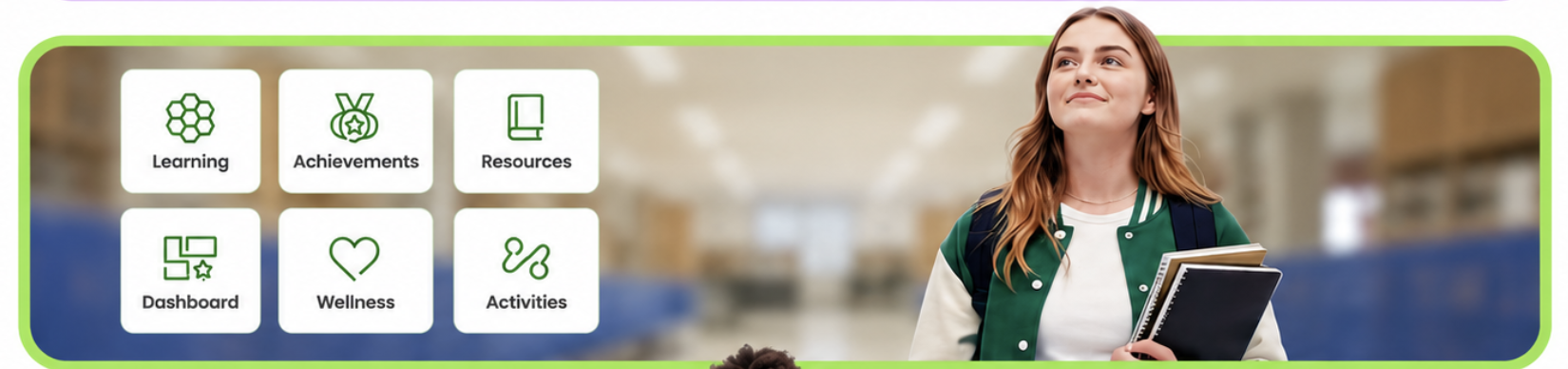 Operational Excellence Questions Setter Set up structured question banks and controls. Digest Notification Run scheduled updates for stakeholders. Paygira Manage school billing and collection operations. Hub Management Coordinate multiple schools from one dashboard. View All Operational Features Explore all Operational Excellence capabilities.