





Overview
A merit sheet is generated for a class after any assessment (exam, test, assignment, etc.) to show class ranking based on performance. It displays student names, grades, and other performance-tracking details configured by the school.
What you can configure
- Term or semester under the correct school year.
- Subjects to include on the merit sheet.
- Assessment type (exam, test, assignment, etc.).
Steps to generate
- Go to Reports and select Terminal Report & Merit Sheet.
- Select the appropriate term or semester under the correct school year.
- Choose Merit Sheet.
- Select the subjects to include.
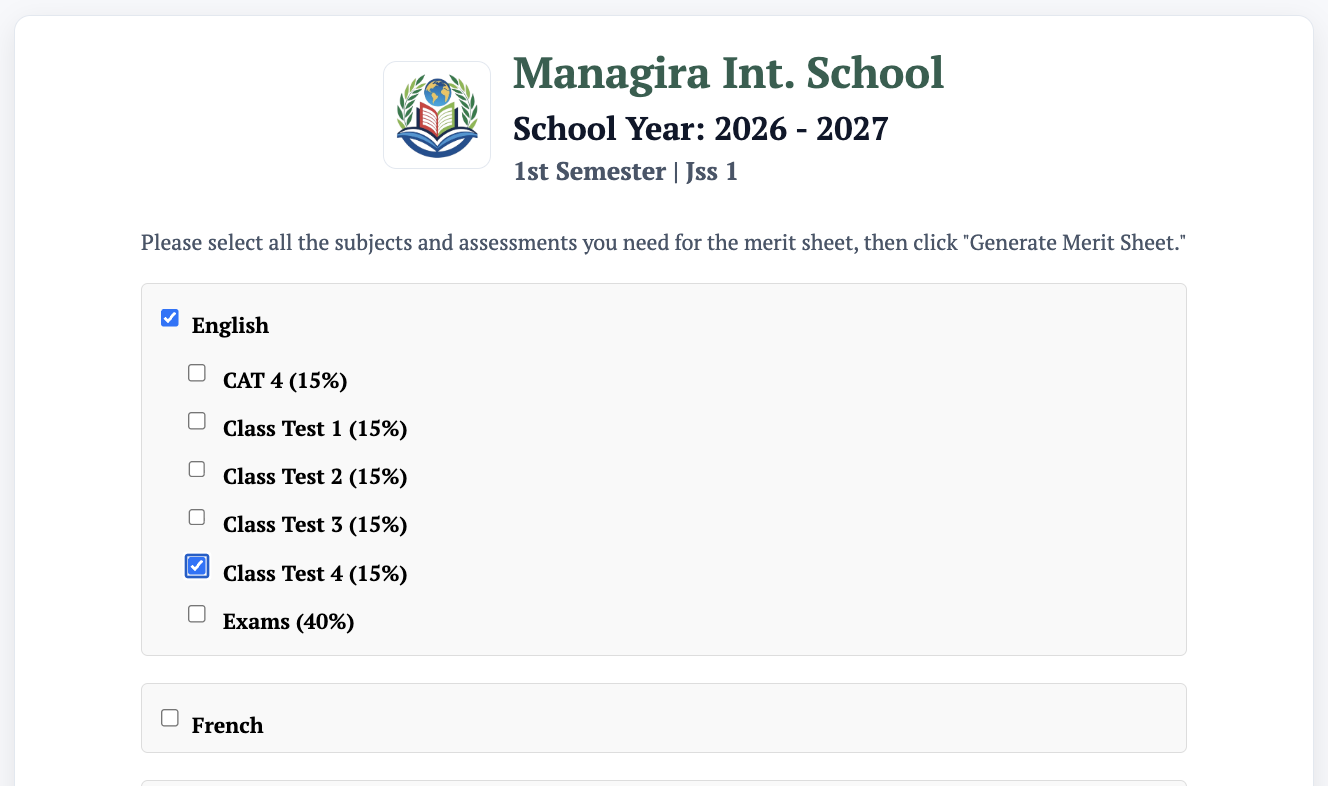
- Select the assessment type.
- Click Generate to produce the merit sheet.
- Print as needed.