





Overview
The Online Admission feature allows parents and guardians to register students remotely, eliminating the need for in-person visits and reducing long admission queues. The entire process — from filling out the application to receiving enrollment confirmation — is handled digitally, making it more convenient for families and more efficient for school administrators.
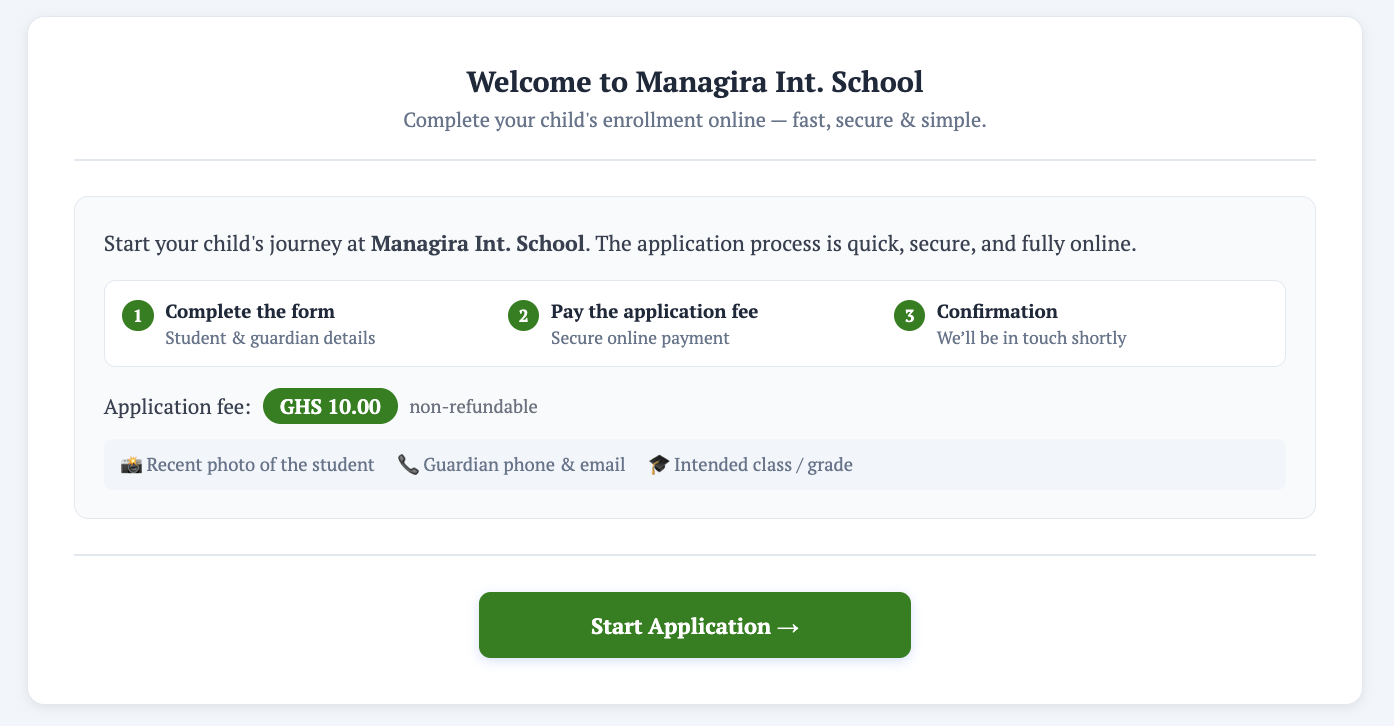
How It Works
- Parent or Guardian Submits the Application
The parent or guardian fills out the online admission form from home, providing the required student information and any supporting details as prompted. - Application Fee Payment (if applicable)
If the school requires an application fee, the parent or guardian will be prompted to complete payment before submission. Whether a fee is collected is entirely at the school's discretion. - Application Sent to the School
Once submitted, the student's information is sent directly to the school for review and further processing by the admissions team. - Confirmation and Updates
The parent or guardian receives a confirmation email upon submission. Subsequent notifications are sent at each stage of the review process, keeping families informed throughout. - Receipt Issuance (if applicable)
Where required, a receipt is issued to the parent or guardian, particularly following any fee payment. - Enrollment Completion
Once the school completes the review and approval process, the student is formally enrolled and the parent or guardian is notified.💡 Tip: Encourage parents to use the online admission portal during peak registration periods to avoid delays and ensure a smoother experience for both families and staff.
⚠️ Note: Application fee requirements and confirmation email settings are configured by the school administrator. Contact your administrator if these need to be enabled or adjusted.