
Assessment questions and online tests
Write multiple-choice, short-answer and essay questions, open them in the Testing Room with a time limit, and share them with parents.
Question sets turn an assessment into an online test. Students take it in the Testing Room of the student portal, and you mark it in Managira.
Who can do this: Teachers and staff given Set Assessment Questions. Students take tests in the student portal.
Write a question set
Open Management, then Assessment questions (or Assessment Questions on your class page), and choose the assessment.
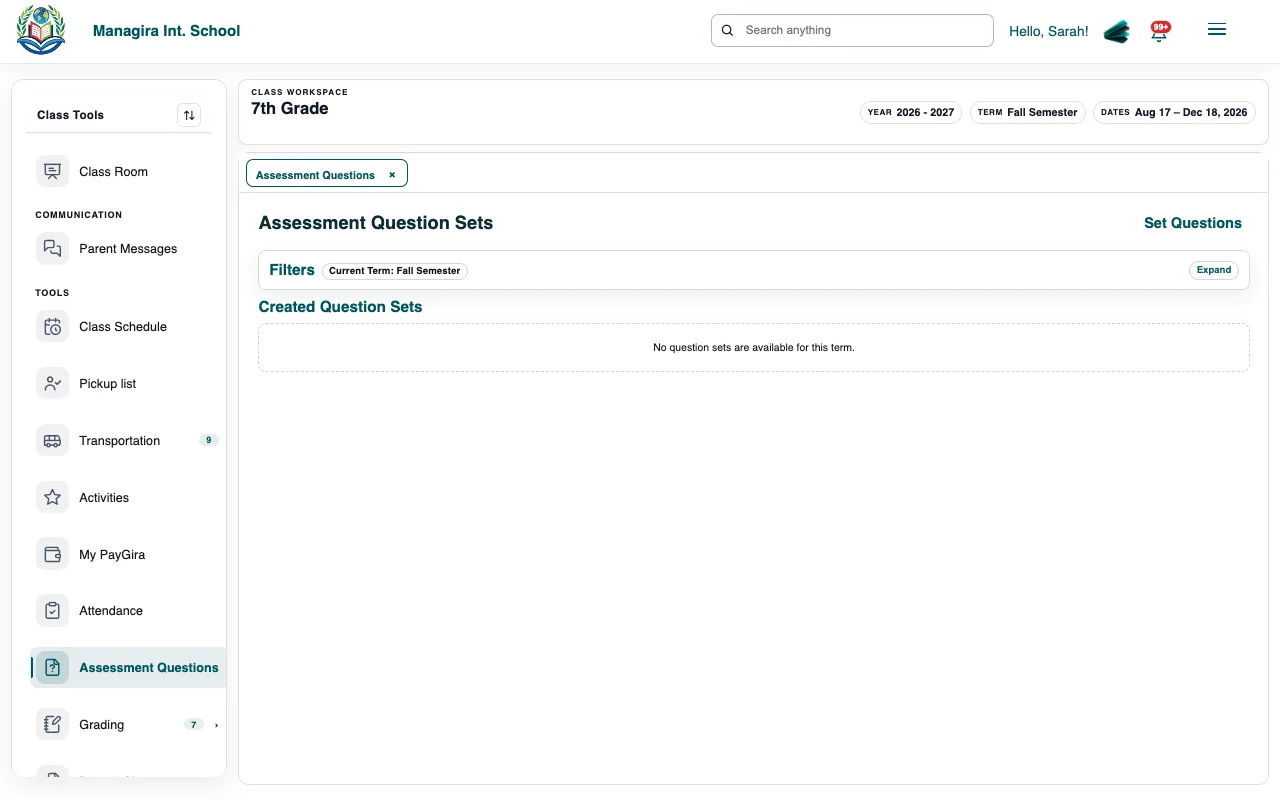
Assessment questions: build an online test for an assessment. Add questions: Multiple Choice, Short answer or Essay. Mark the right answers for multiple-choice questions.
Set a Time Limit (minutes), and choose Open Book if students may use their notes.
Open the test when students should take it.
Students take the test
Students sign in to the student portal and open the Testing Room. Open tests are listed there; the timer starts when they begin. Multiple-choice answers are marked for you; you mark short answers and essays.
Good to know: The Student Portal must be turned on in Management, Integrations. See The student portal.
Share with parents and Google Classroom
- Turn on Show on parent portal and add notes and files so parents can help with homework. See Homework help.
- If Google Classroom is connected, assessments are posted to the class's Google Classroom course as classwork.
Was this guide helpful?