
Sign in to Managira
Sign in with your email, stay signed in on your own device, enter a verification code when asked, and reach the parent, student or hub portal from one page.
Everyone signs in on the same page. Enter your email first: if your school uses its own sign-in (single sign-on), Managira takes you there; otherwise the password box appears on the same page.
Who can do this: Everyone: staff, parents, students, drivers and hub users.
Sign in
Go to managira.com/account/login (or your school's address) and enter your Email address.
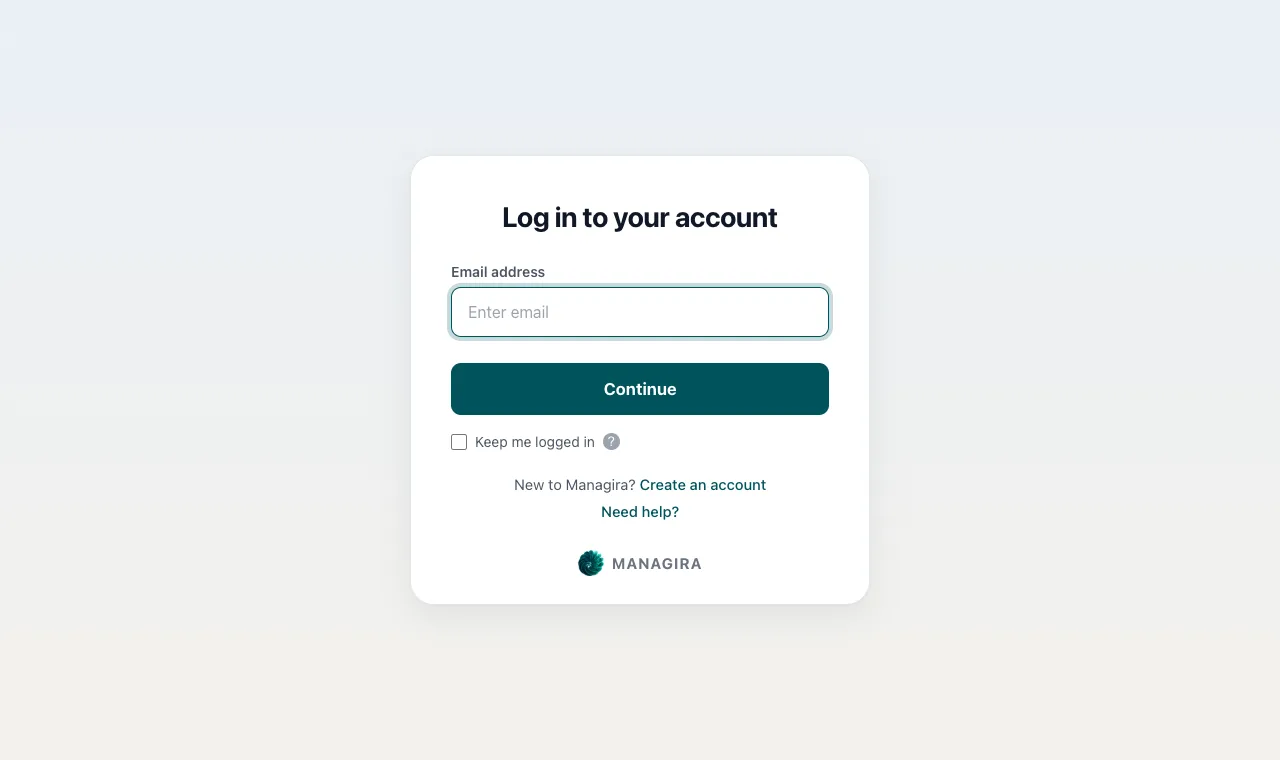
The sign-in page: email first, then your password or your school's own sign-in. Enter your Password. If your school signs in through Google, Microsoft or another provider, you go to that page instead.
Tick Keep me logged in on your own device to stay signed in (30 days unless your school chose otherwise). Leave it unticked on a shared computer: you are signed out when the browser closes.
If asked, enter the Verification code we emailed you (six characters, like
ABC123) and select Verify.
Good to know: Parents, students and hub users sign in on the same page. Once the password is confirmed, they go straight to their own portal.
Verification codes and remembered browsers
Unless your school turned it off, Managira emails you a code when you sign in on a browser it doesn't know, as a second check that it's really you. The code arrives from reminders@managira.com. After a right code, that browser is remembered for your school's trust period (3 days unless your school chose otherwise), so you aren't asked every time.
- Can't find the email? Check spam and junk, then select Send a new code.
- Signing in with your school's single sign-on skips the code: your provider has already checked you.
- Accounts without an email address aren't asked for a code.
If a password is wrong
Managira never locks anyone out. After a few wrong passwords, it asks you to wait a little before the next try, which stops guessing while the right password always gets you in. Use Forgot password? if you're not sure of it.
Frequently asked questions
Why was I signed out?
Your school may sign people out after a set time (24 hours unless it chose otherwise), or you didn't tick Keep me logged in. Sign in again; nothing you saved is lost.
Can I sign in on several devices?
Yes. Each device has its own sign-in. Use Keep me logged in only on devices you own.
Where do parents sign in?
On the same page, with the email the school has for them. If the school hasn't invited them yet, ask the school office.
Was this guide helpful?