
Driver reports and transportation reports
Review what drivers report, choose who else sees each report, and build reports on riders, trips, arrivals and requests in Report Builder.
Who can do this: Lead drivers and staff given Driver Reports or Report Builder.
Driver reports
Open Transportation. New reports shows reports drivers have sent.
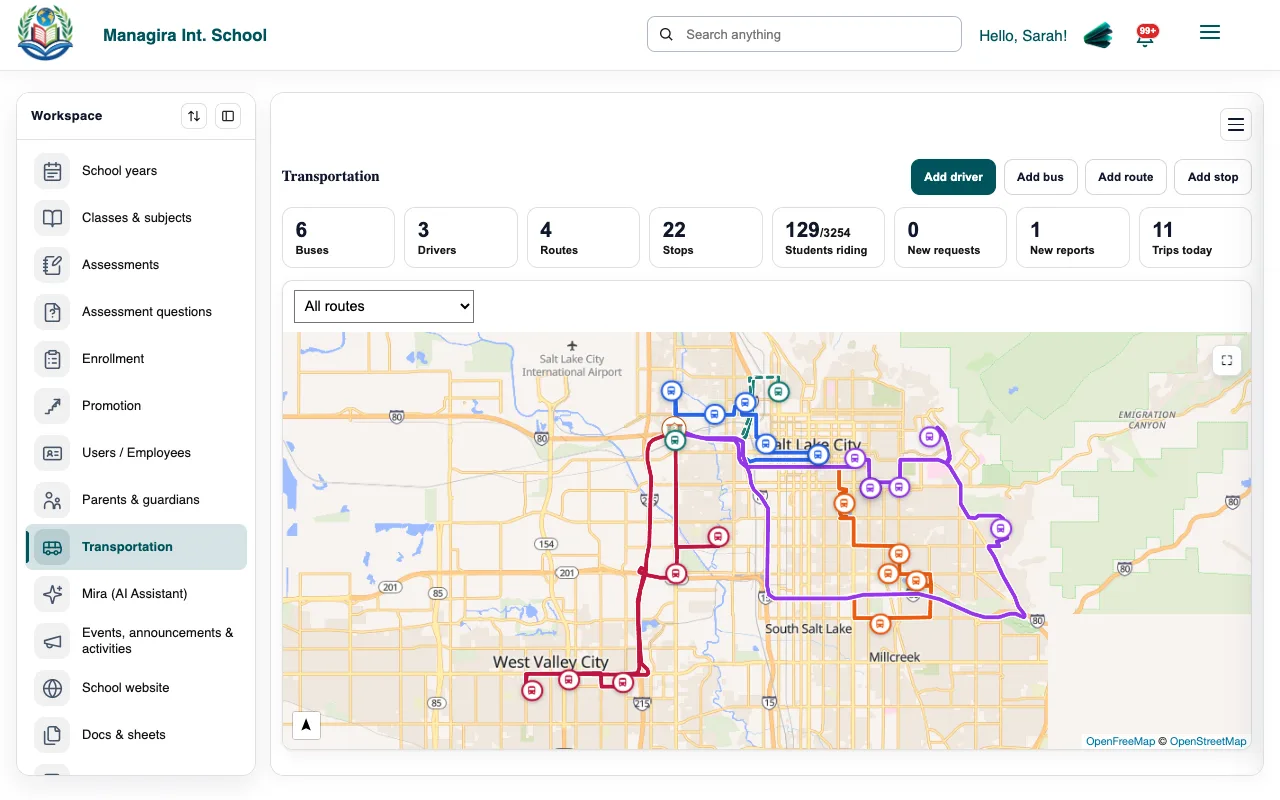
Transportation, Overview: new reports and requests. Open a report to read it.
Choose who else sees it. A report about a student can be shared with that student's parents or teachers; teachers also need Class Bus Reports.
Good to know: Until a lead shares it, a driver's report stays between the driver and the leads.
Reports in Report Builder
In Reports, Report Builder, choose a transportation report: Riders, Bus requests, Trips, Arrival checks, Driver reports, Buses, Drivers or Routes. Filter, export or email it like any other report.
Example: Trips filtered to last month and one route lists every run of that route, ready to export for your transportation director.
Was this guide helpful?