
Child tiles and homework help for parents
Parents open a tile for each part of their child's day, and teachers can share an assessment's questions, notes and files for homework help.
Who can do this: Parents see the tiles. Teachers choose what to share on assessments.
Child tiles
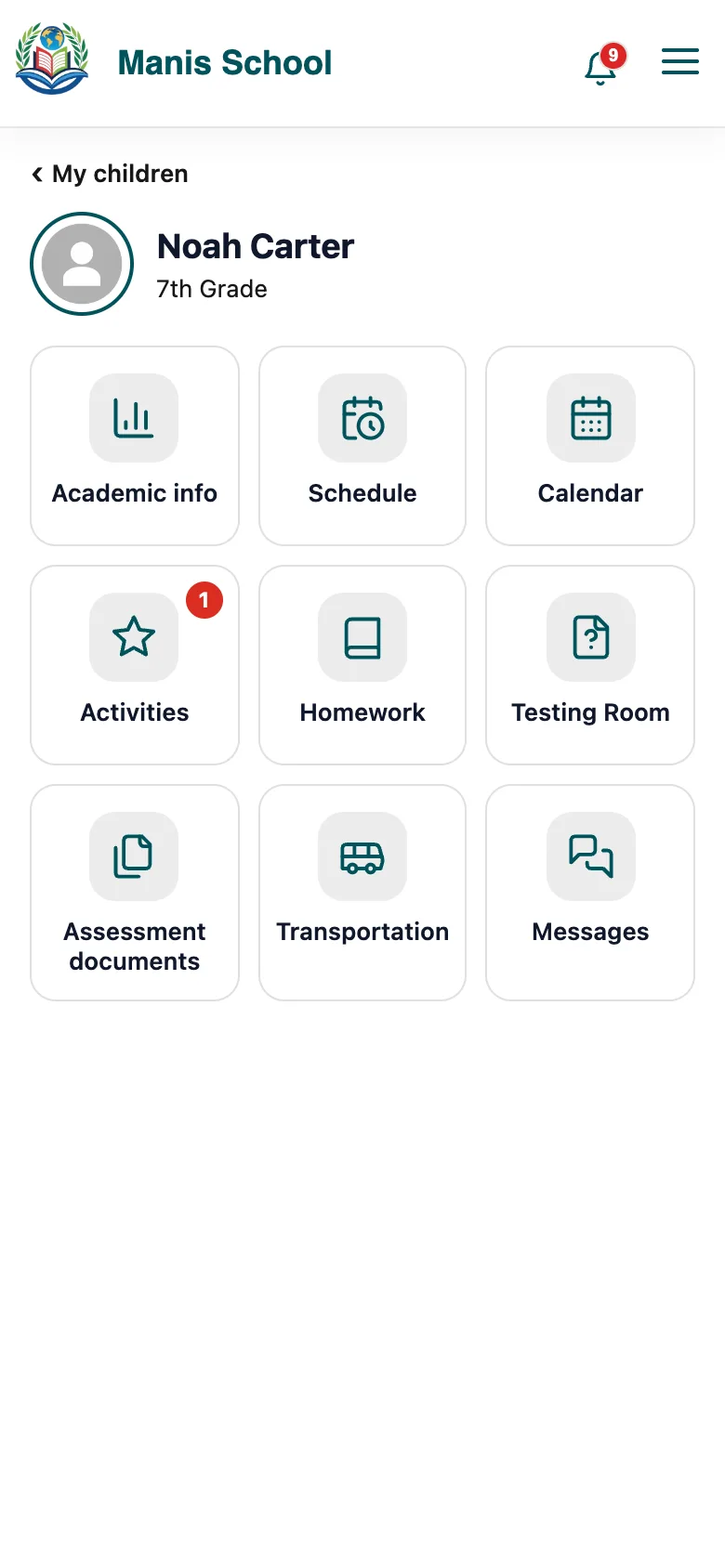
In the parent portal, View on a child's card opens tiles: academic information, schedule, calendar, activities, homework, the testing room, assessment documents, transportation and messages. Each tile shows only that child's information.
Share homework help
When a teacher sets up an assessment's questions, they turn on Show on parent portal.
They can add notes for parents and attach files, such as a study guide or worked examples.
Parents see it under the child's Homework and Assessment documents tiles.
Good to know: Parents only ever see what their child can already see.
Was this guide helpful?