
Customize your school: logo, details, colors and calendar
Add your logo, contact details, web address, brand color, font, name and date formats, school calendar and student ID format in Settings, Customize School.
Your school's name, logo and color appear on every page, report card, email and on your public website. Set them once in Customize School.
Who can do this: Managers, and staff given the Profile settings permission.
Open Customize School
Open the menu (☰), choose Settings, then Customize School.
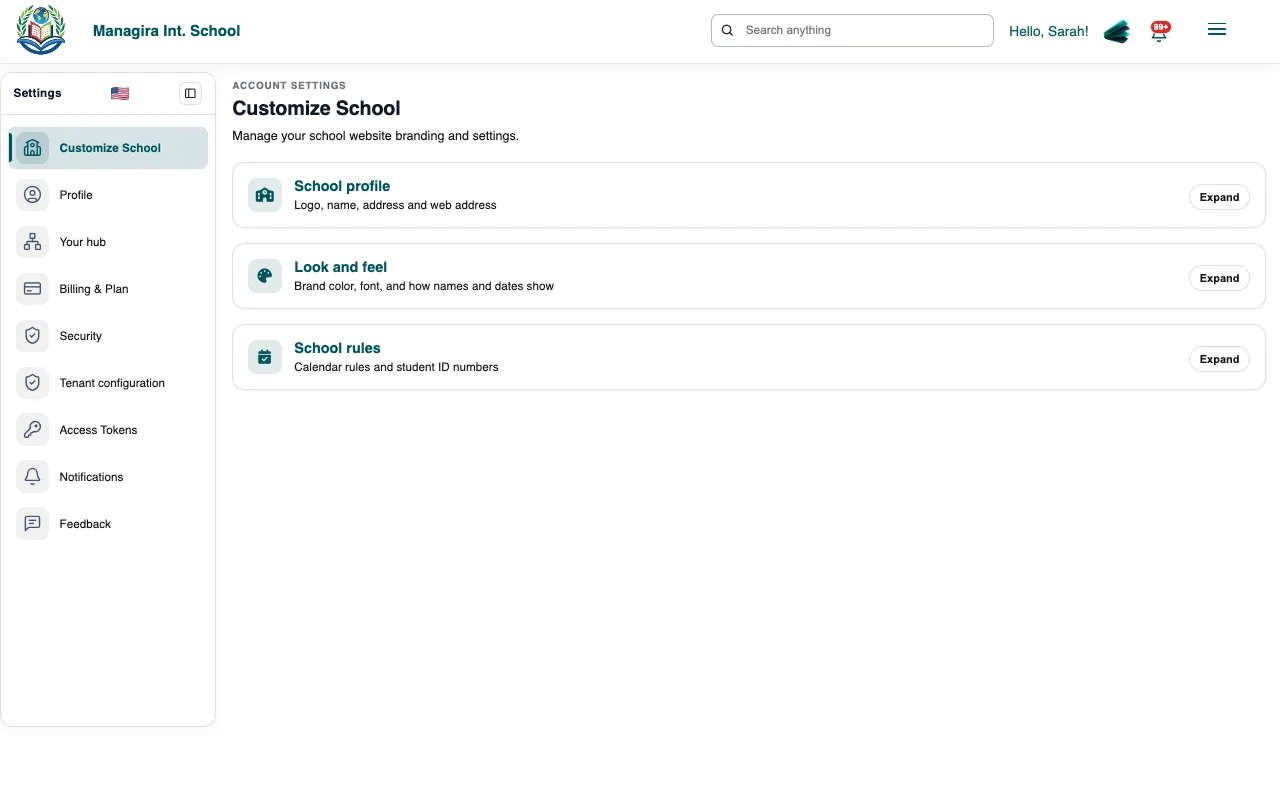
Settings, Customize School: logo, details, web address, color, font, formats, calendar and student IDs. Work down the sections and save each one.
What you can set
| Section | What it controls |
|---|---|
| Logo | Shown in the header, on report cards, transcripts, receipts and your website. A square PNG with a clear background looks best. |
| School details | Name, motto, address, phone and email, used on documents and your website's contact section. |
| Short name and web address | Your nickname and public address, for example riverside.managira.com. |
| Brand color and Font | The color and typeface of your school's pages, emails and website. |
| Names and dates | How names (first name first, or last name first) and dates (for example 11/09/2026) are shown everywhere. |
| School calendar | School days, holidays and closures, used by attendance and the calendar. |
| Student IDs | Automatic student numbers with your own prefix. See Student IDs. |
Tip: Change the brand color and look at a report card preview before printing a whole class, so the color reads well on paper.
Frequently asked questions
Will changing the web address break old links?
Links with the old address stop working, so update any links you've shared, such as on social media or in emails.
Who sees the motto?
It appears on your public website and on documents where your school's details are printed.
Was this guide helpful?