
Track payments, arrears and payouts
See every payment, correct one if needed, follow up on overdue balances, and check what has been paid out to your school.
Who can do this: Staff given the matching PayGira pages: Payments, Arrears, Payouts.
The PayGira pages
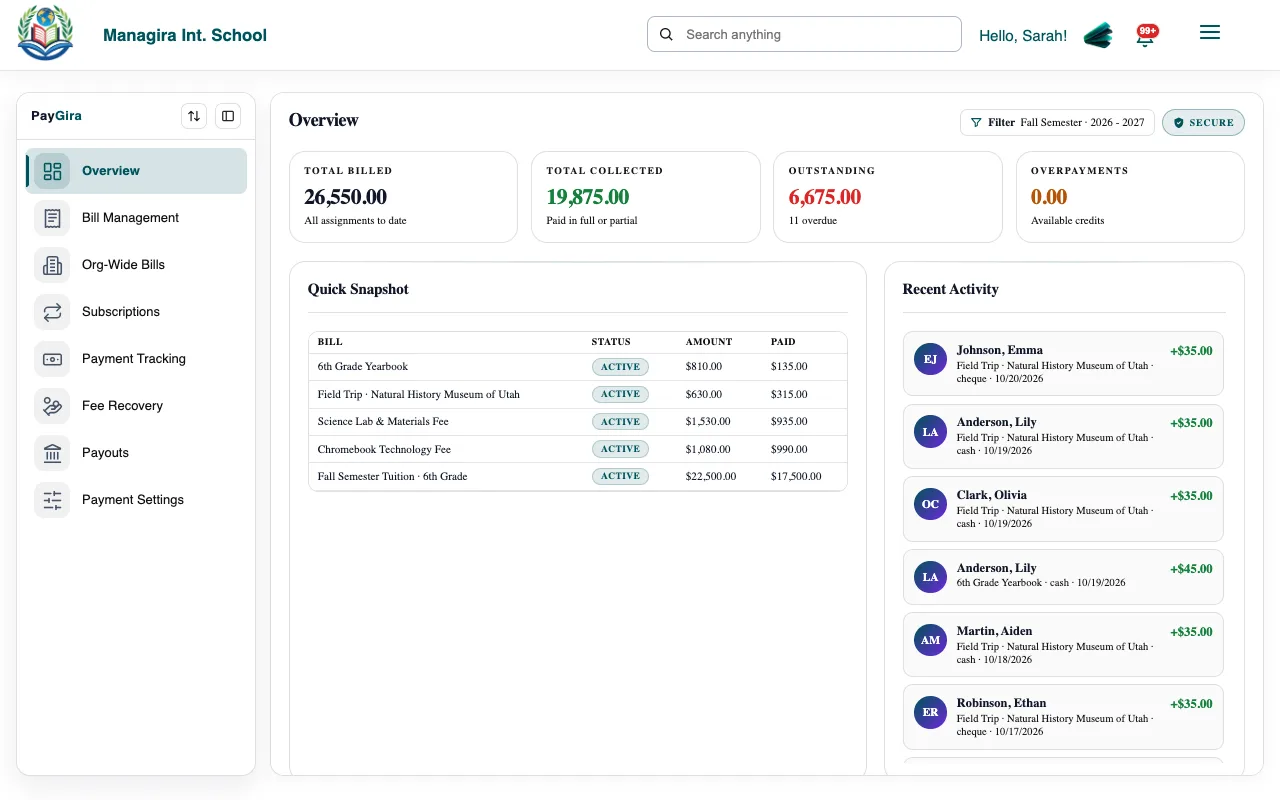
| Page | What it's for |
|---|---|
| Overview | Totals billed, paid and outstanding. |
| Bills | Create and manage bills. |
| Student bills | Each student's bills and balance. |
| Subscriptions | Repeating bills. |
| Payments | Every payment, online or recorded at school. Staff with the right permission can record or correct payments. |
| Arrears | Overdue balances, to follow up with families. |
| Payouts | Money paid out to your school's account. |
| Settings | Your payout account and payment options. |
Follow up on overdue balances
Open Arrears to see families with overdue balances.
Send reminders from the Mail Room, or filter Report Builder's Fee balances report and email it to the office.
Tip: Report Builder's Fee balances and Payments reports export to Excel for your bookkeeping.
Was this guide helpful?