
Messages
Send the school a message about your child, copy in their teachers, and follow each conversation in one place.
Who can do this: Parents and guardians.
Send a message
Open Messages from the menu (or the envelope on the home page), then + New message.
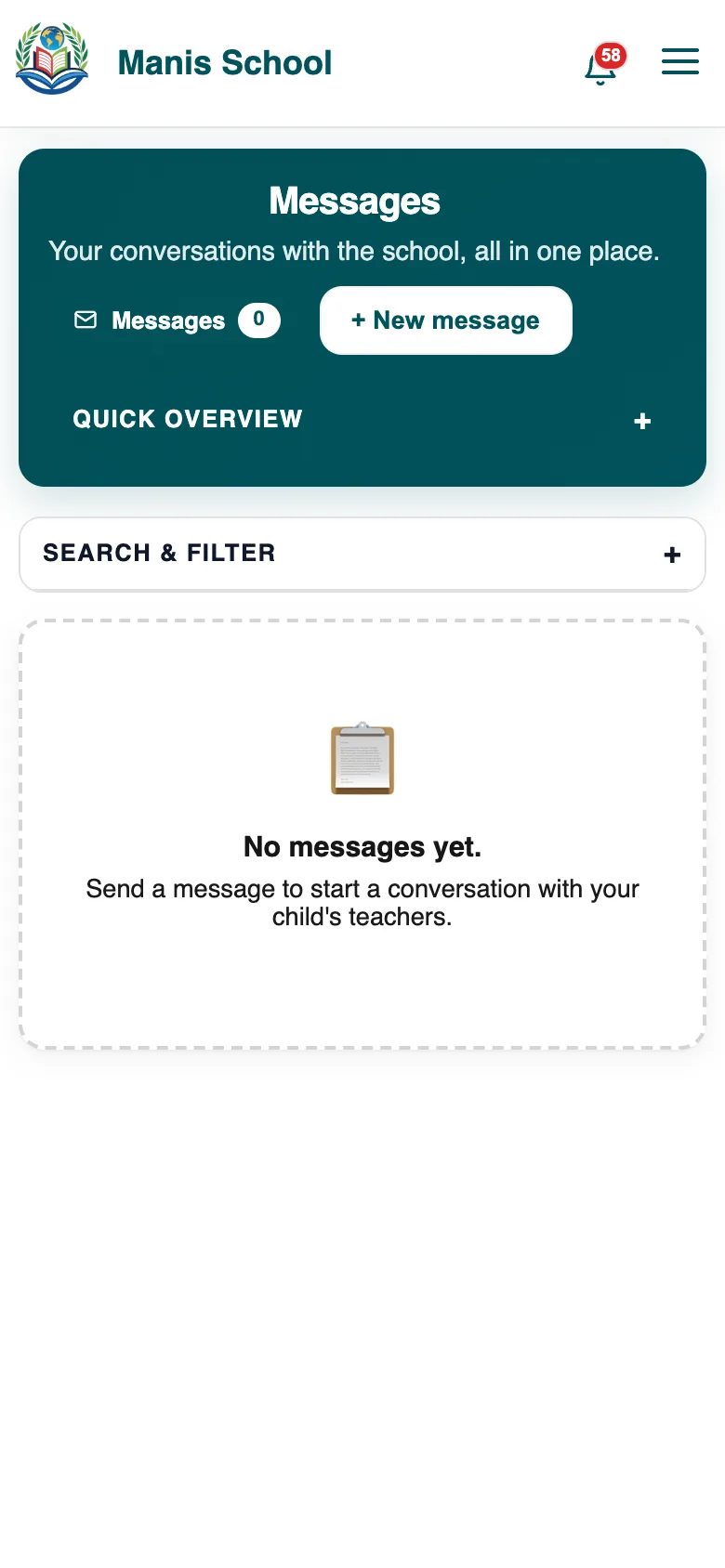
Messages: your conversations with the school. Choose the child, add a subject and priority, and write your message. To copy a teacher in, tick them under CC Staff Members. Send it.
Replies show in the conversation, and the bell tells you.
Tip: Use Search & Filter to find an older conversation.
Was this guide helpful?