
Tests and results
See the tests your child can take, their finished results once posted, and the questions and answers when the teacher shares them.
Who can do this: Parents and guardians.
Testing Room
On your child's page, open Testing Room. At the top: tests open now that the teacher shared. Under Finished: results the teacher posted, with the grade.
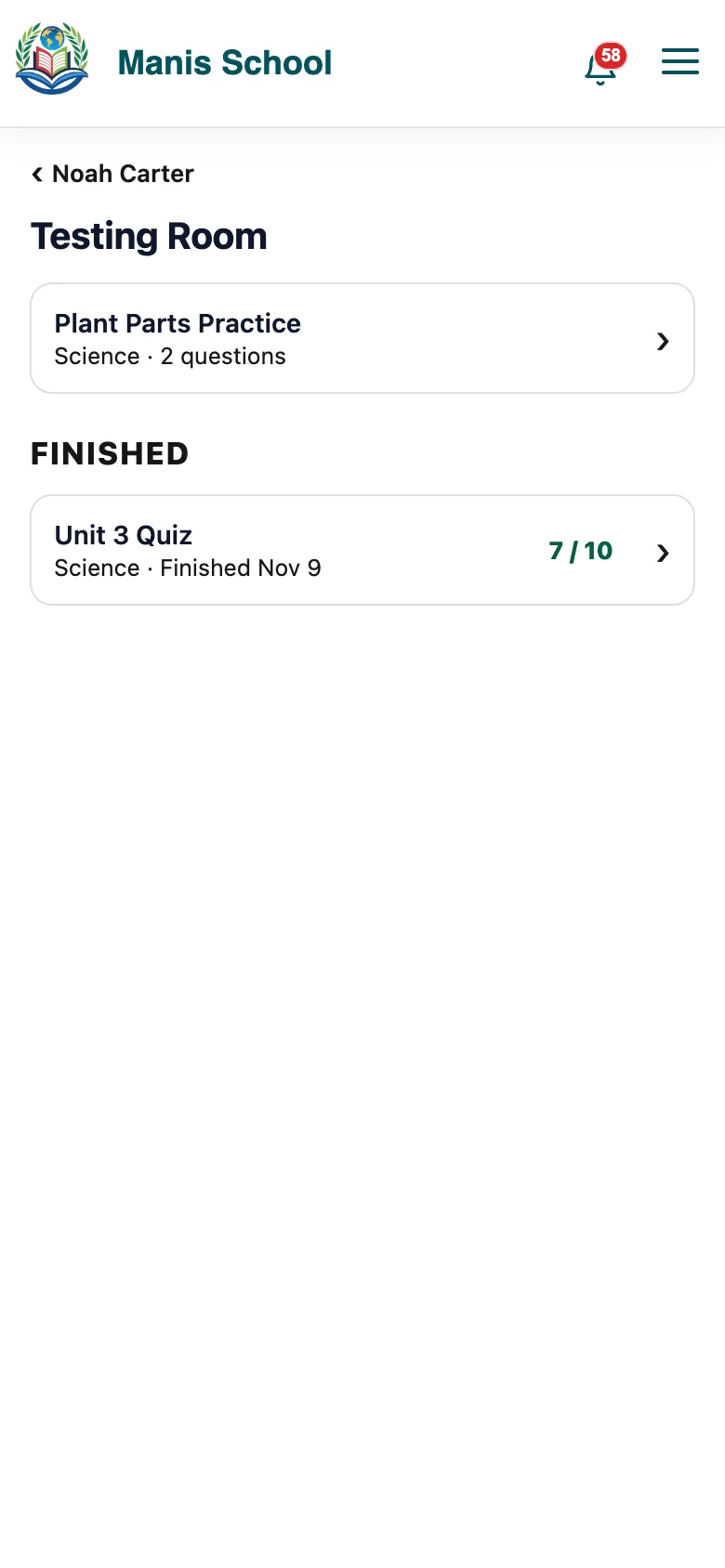
Open tests and finished results, with the grade. Select a finished test to see the questions, your child's answers and the right answers, when the teacher shares them.
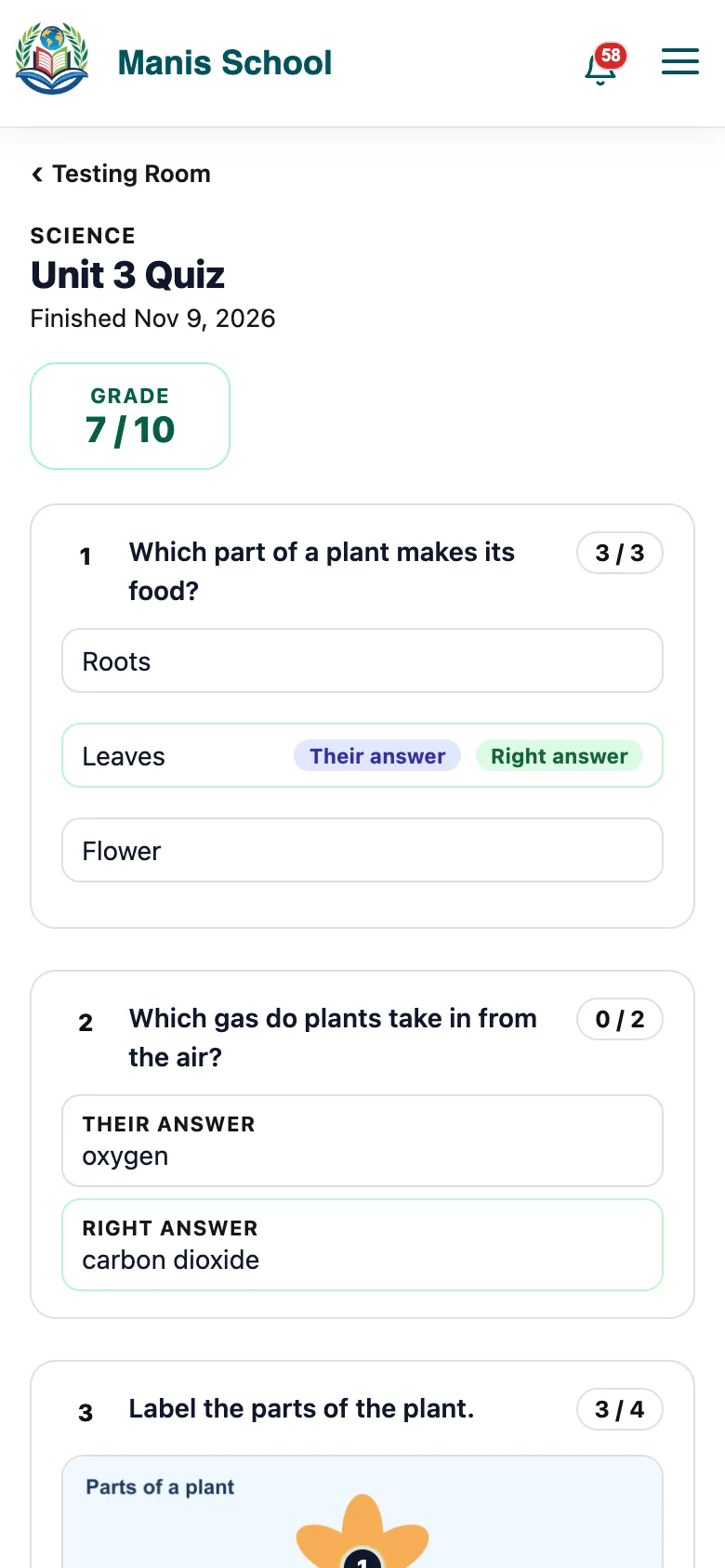
A finished test: the grade, each question, your child's answer and the right one.
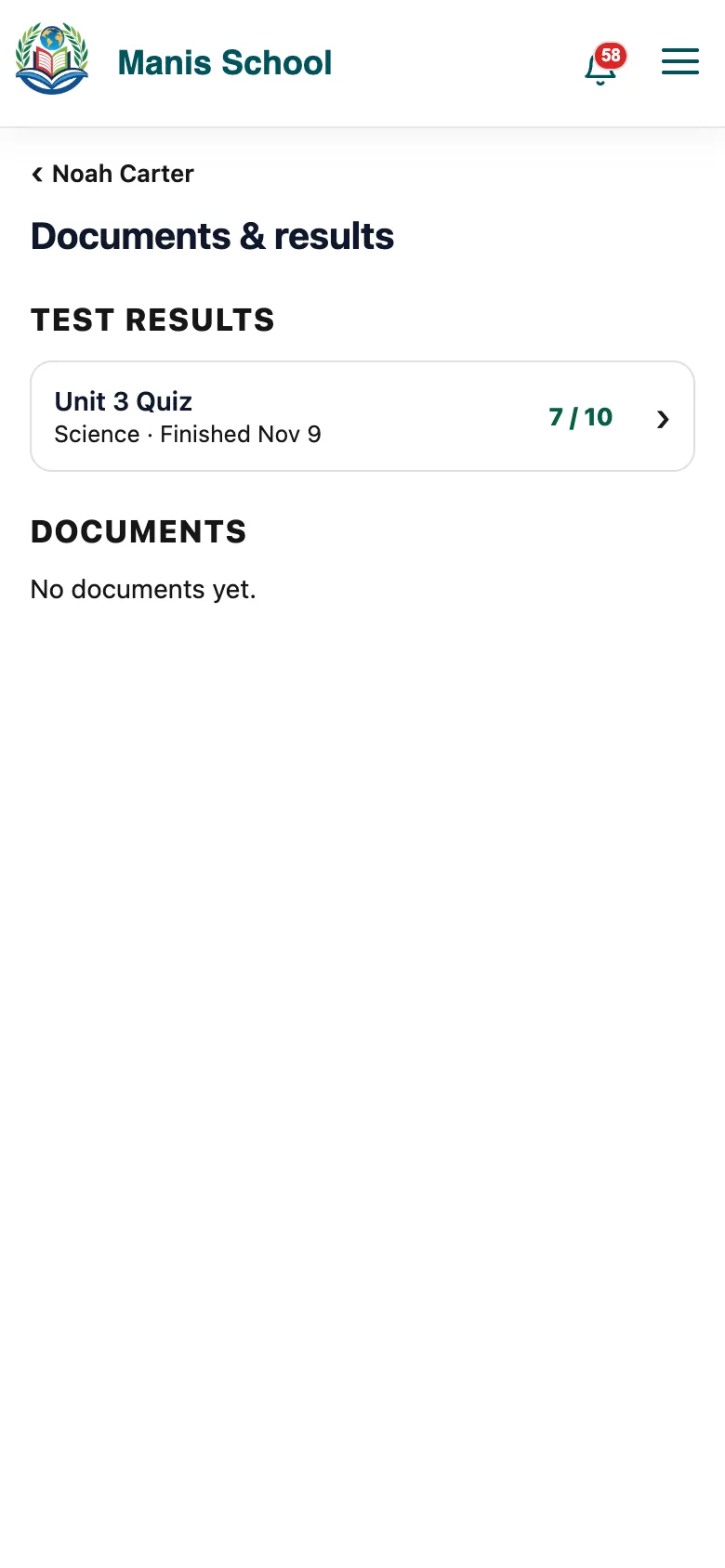
Documents & results
Every shared result and the files teachers attached stay here for the term.
What you see, and when
| The teacher shares | You see |
|---|---|
| Nothing | No result here; the grade still shows in Academic info once posted. |
| The grade | The test and its grade. |
| Grade and answers | The grade, every question, your child's answer and the right one. |
Good to know: Results show only after the teacher posts the grade. You get a notice when they do.
Was this guide helpful?