
Notifications and settings
What the bell tells you, and how to change the look, your photo, your details, email notices and saved cards.
Who can do this: Parents and guardians.
The bell
- New grade: a teacher posted a grade for your child.
- New activity: a trip, club or event was added.
- Bus, payment and message notices, when your school uses them.
- Tap a notice to open it. Mark all read and Clear all are at the top.
Settings
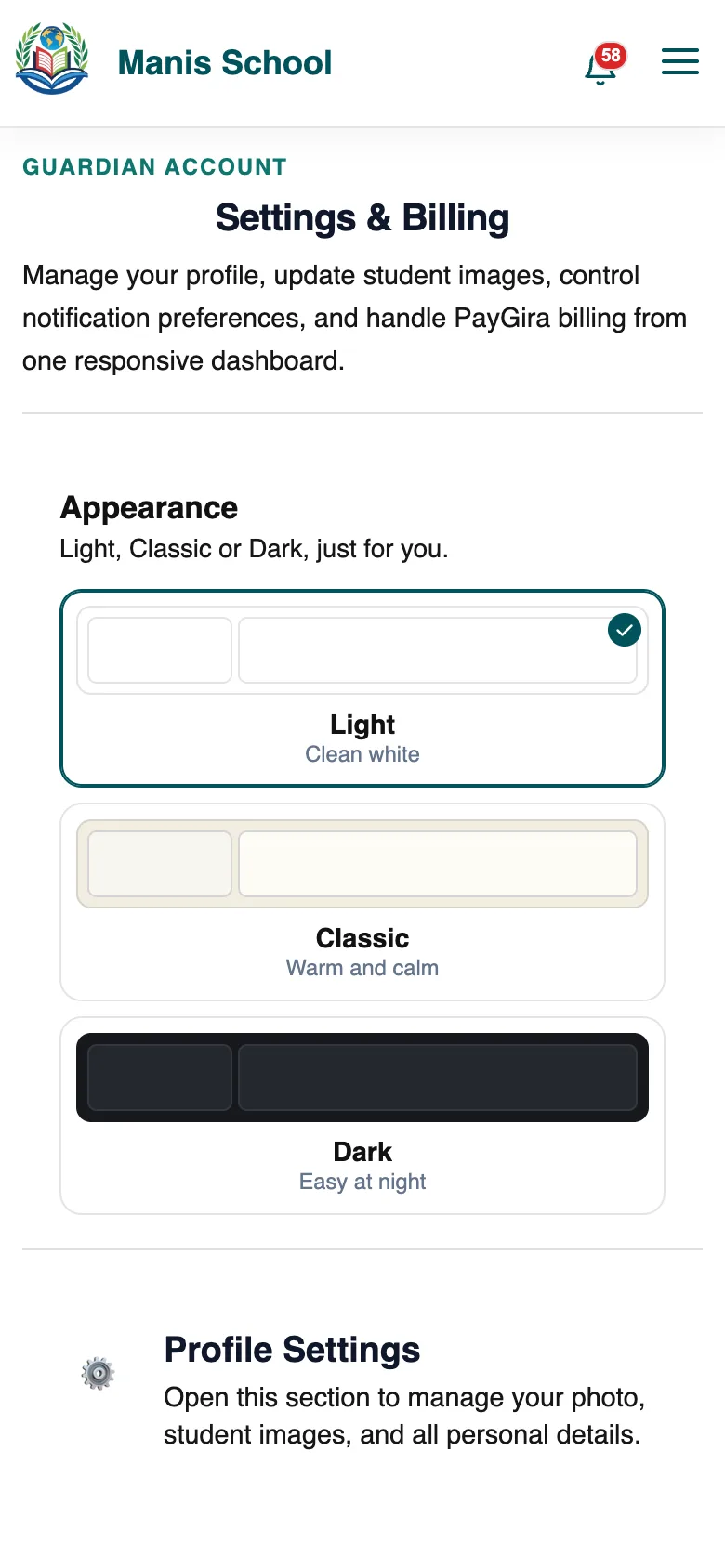
| Section | What you can do |
|---|---|
| Appearance | Light, Classic or Dark. |
| Profile Settings | Your photo, your children's photos and your details. |
| Email Notifications | Choose which emails you get about your children. Security and admission emails always come. |
| PayGira Cards & Billing | Saved cards for paying school bills. See PayGira. |
Was this guide helpful?