
Your results
See your grade once your teacher posts it, and your answers next to the right ones when your teacher shares them.
Who can do this: Students.
After you submit
- Your test moves to Completed, marked Awaiting grade until your teacher posts it.
- When your teacher posts it, the grade shows there and under Grades on your dashboard.
See your answers
When your teacher shares answers, select See your answers. Each question shows your answer, the right one and your marks.
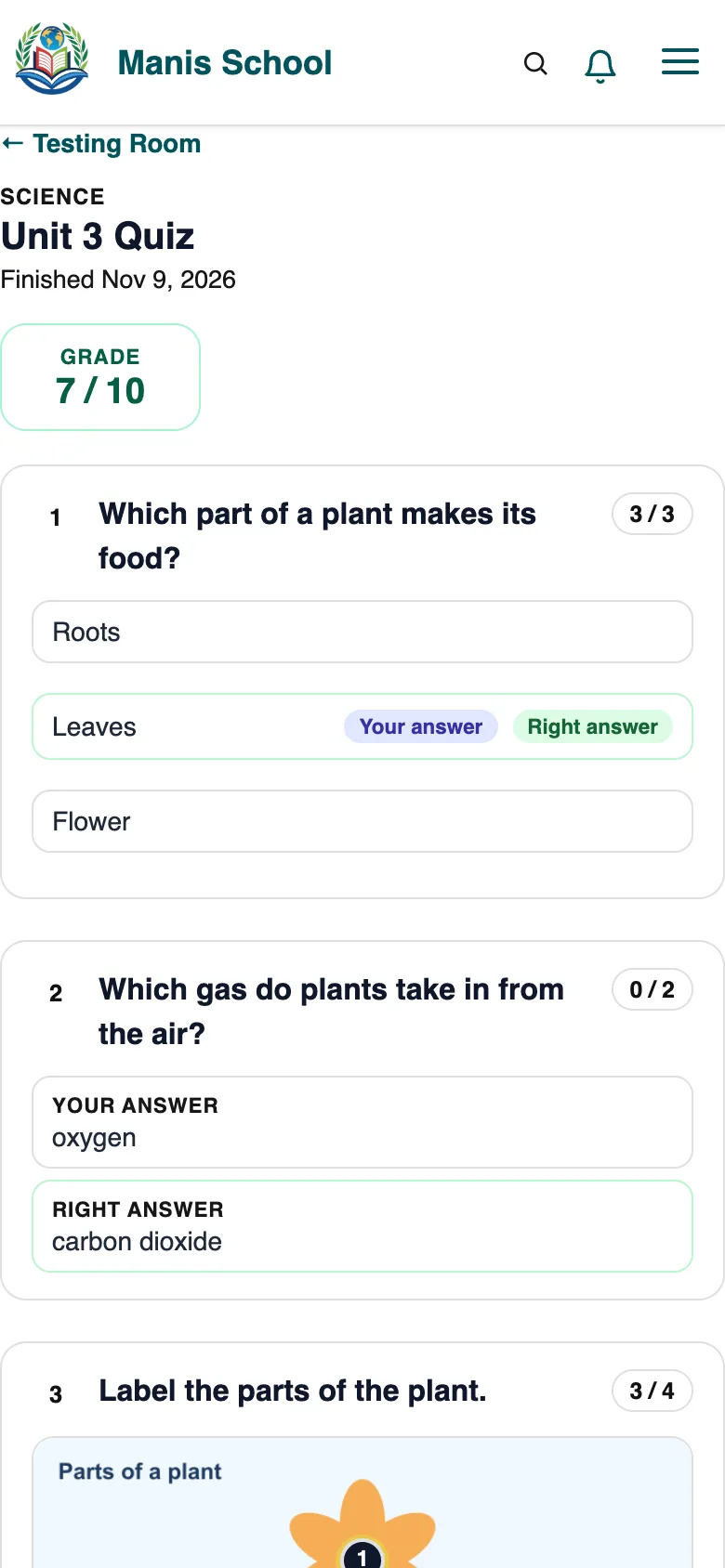
Your test: grade, answers and marks.
Was this guide helpful?