
A student's portfolio: documented and undocumented work
See each term's marked work for a student. Testing Room work is documented, with a PDF of the test; marks entered by hand are undocumented.
Who can do this: Staff who can open the student. Parents and students see their own portfolio.
Open a student's portfolio
Open the student and select Portfolio.
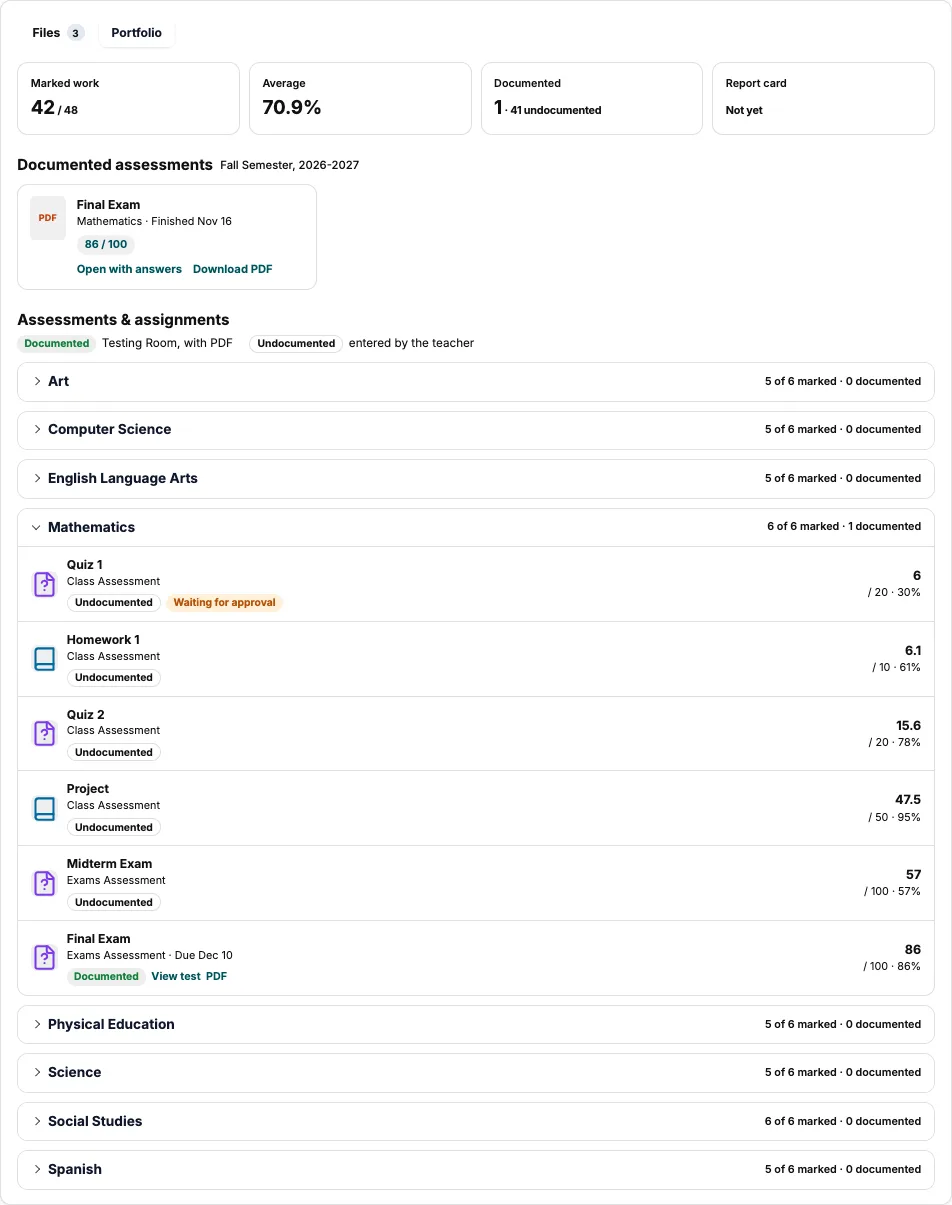
A term's portfolio: totals, documented tests, then each subject. Choose a term at the top, if there's more than one.
Select a subject to see its work and marks.
Documented and undocumented
| Label | Means | You can |
|---|---|---|
| Documented | Taken in the Testing Room. | View test or download its PDF. |
| Undocumented | The teacher entered the mark. | See the mark. |
Good to know: Waiting for approval means the teacher hasn't approved the mark yet. Only staff see it.
What families see
Parents open their child's page and select Portfolio. Students select Portfolio on their dashboard.
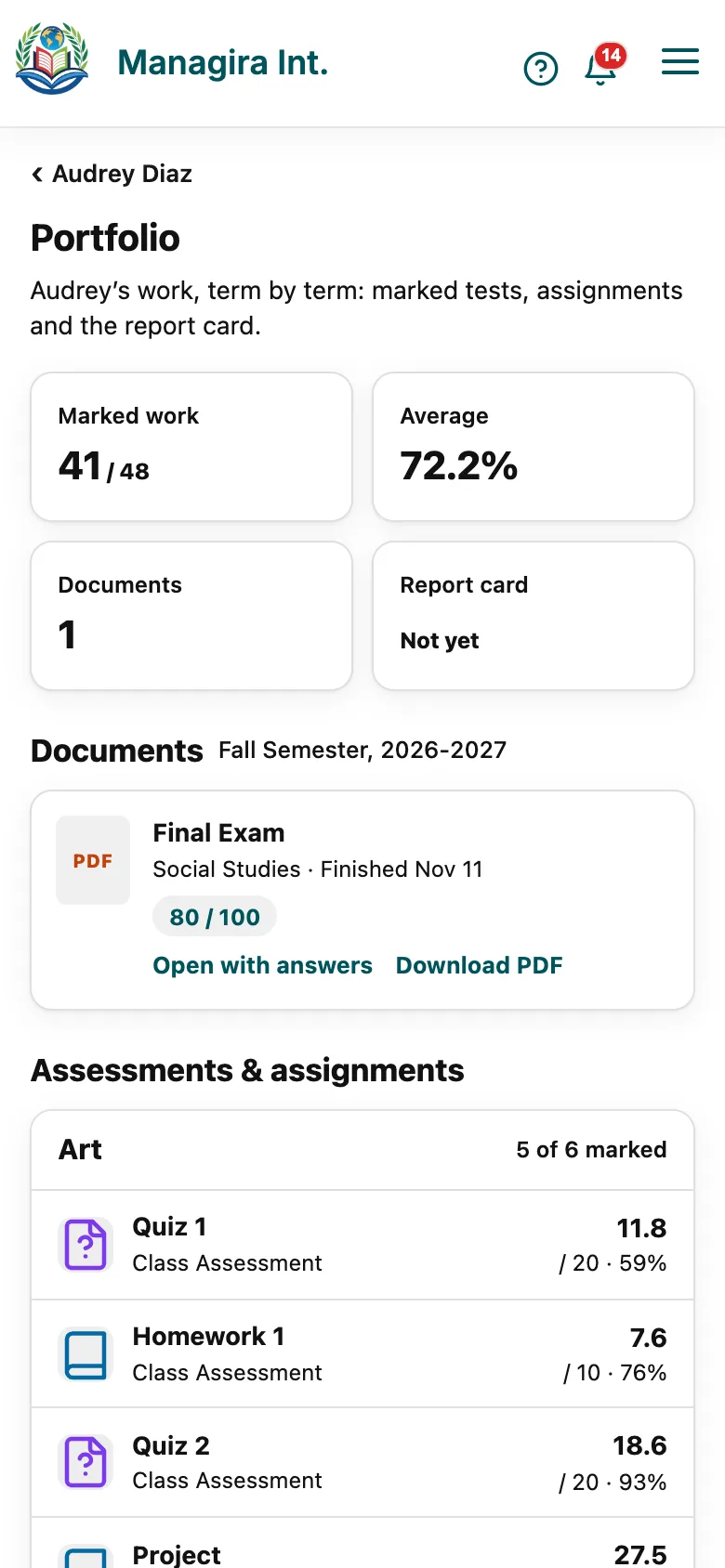
A parent's view: shared files first, then the term's work.
- Files the school shared with the family come first.
- Marks show once the teacher posts them.
- A documented test opens in full only when the teacher shares it.
- To hide the portfolio from a class, untick Portfolio in Class settings.
Frequently asked questions
Why is a test documented but a parent can't open it?
The teacher hasn't shared the full test with families. They still see the mark once it's posted.
How does work become documented?
Students take it in the Testing Room. See Take a test.
Was this guide helpful?