
Your child's calendar and activities
See school events, classes, clubs and trips for your children, and add them to your phone's calendar.
Find what's coming up for your children in one calendar, and see clubs and trips in Activities.
Who can do this: Parents and guardians.
Calendar
Open Calendar from the menu or a child's page.
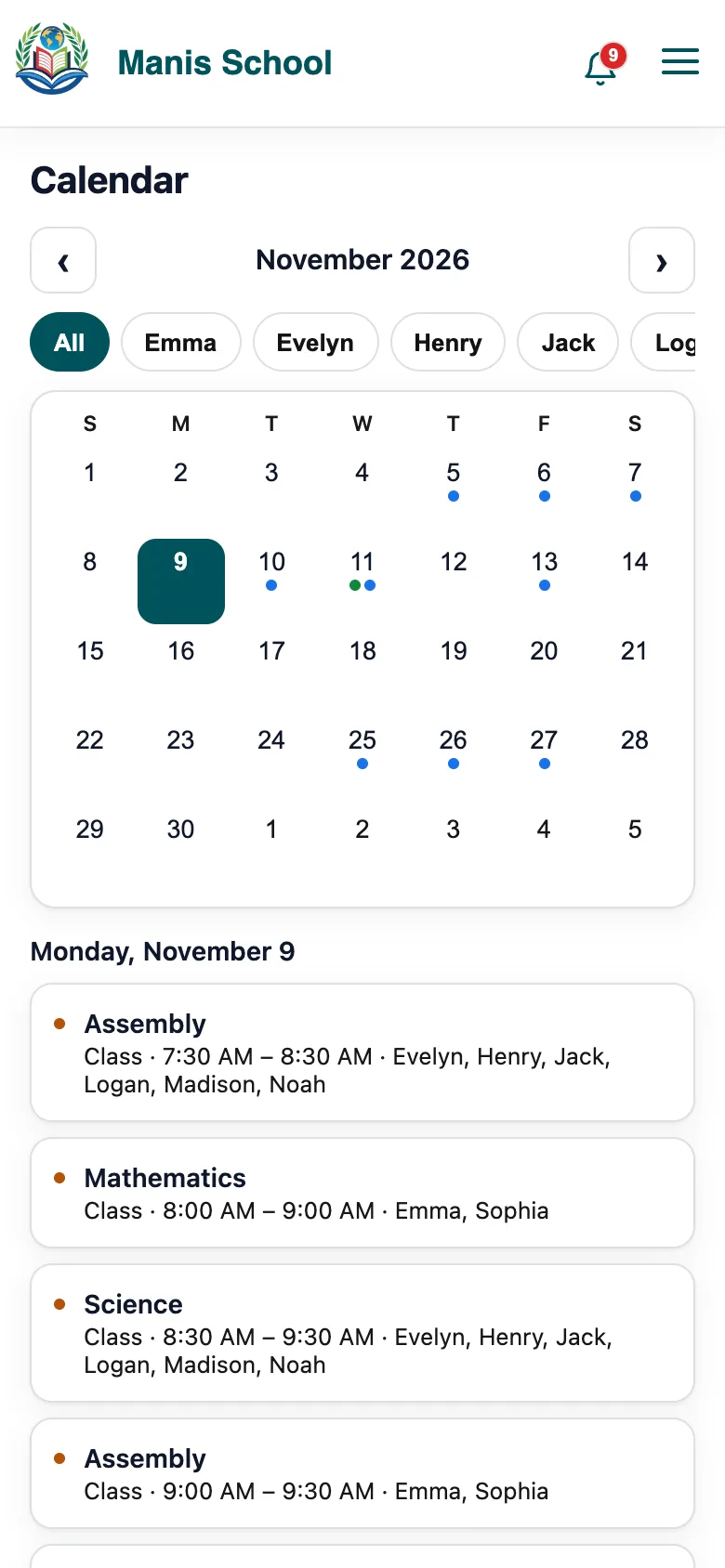
Choose children and calendars, then see what's coming up. Under Children, tap All children or one child.
Under My calendars, check or uncheck School events, Activities, Classes and Due to show or hide them. The number is how many there are.
Coming up lists the next things. Below it, switch between Month, Week, Day and Agenda, and use the arrows or Today.
Tip: To see it on your own phone's calendar, tap Sync. See Calendar sync.
Activities
Open Activities from the menu or your child's page.
Each card shows the date, time, place and what to bring.
Tap Past at the bottom to see ones that are over.
Good to know: A number on the Activities tile is how many new ones there are. See Activities for how the school sets them up.
Frequently asked questions
An activity I know about isn't here.
Activities show for the grades and classes the school chose. Ask the school office.
Was this guide helpful?