
Your bus and your teachers
See your bus and stop, watch it on the map, and find your teachers and their email.
Two small windows on your home page: Bus and Teachers.
Who can do this: Students.
Teachers
Tap Teachers.
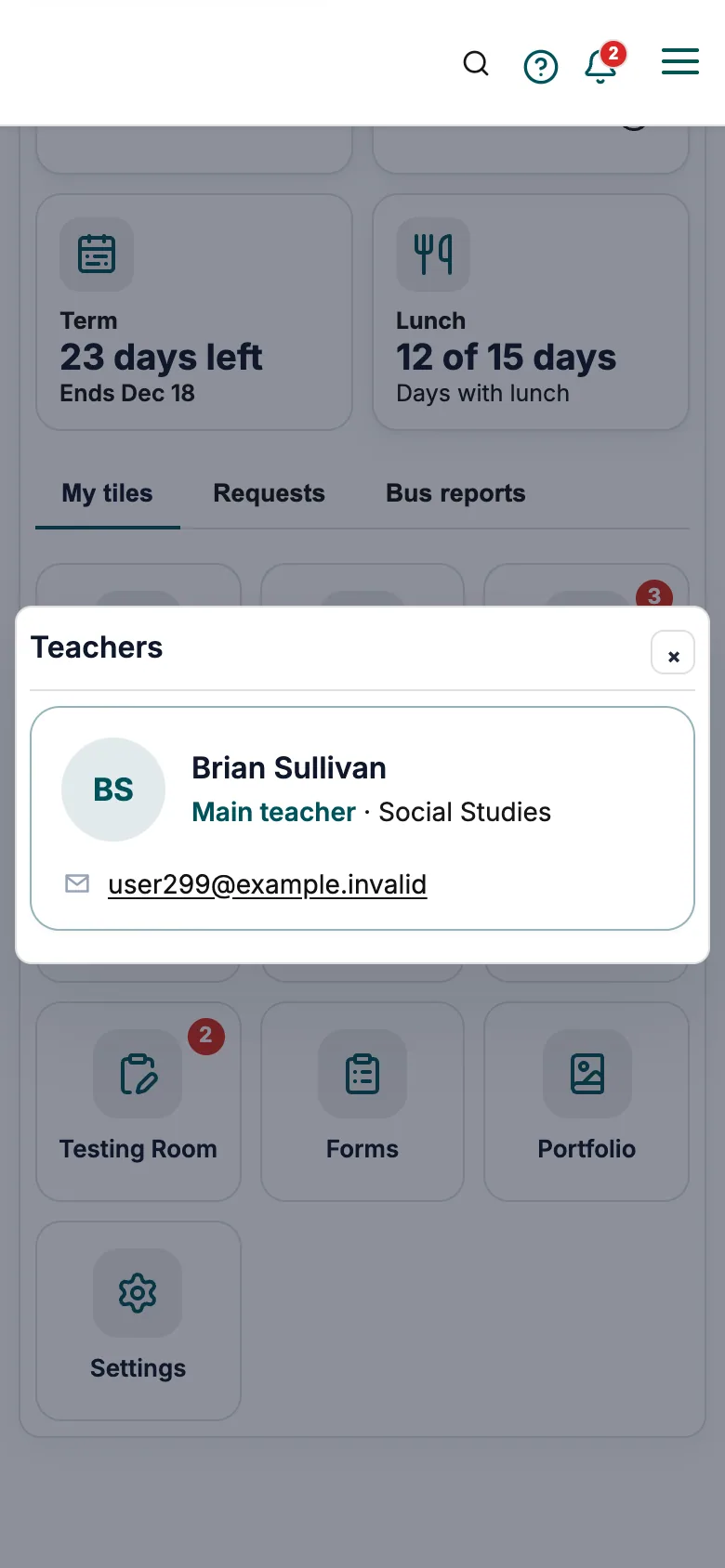
Your teachers, with their role, subject and email. Tap a teacher's email to write to them. The school decides whether the email shows.
Bus
Tap Bus. You see your bus, route, stop and pick-up time.
Tap Track my bus. A map shows where it is and how long until your stop.
Good to know: The Bus tile shows only if you ride the bus and your class shares it with students. See Live bus tracking. Your parents tell the driver when you are not riding.
Was this guide helpful?