
What each person can do in Managira
What managers, supervisors, teachers, drivers, parents, students and districts see when they sign in, and where to learn more.
Everyone signs in on the same page, then lands on a home screen made for their role. Staff roles add permissions on top, so two teachers can see different menus.
Who can do this: Anyone who wants to know what a role sees. Managers choose roles and permissions for staff.
Managers and the school's own account
The school's own account (the one that registered the school) and every Manager can open everything the school's plan includes, and give permissions to others.
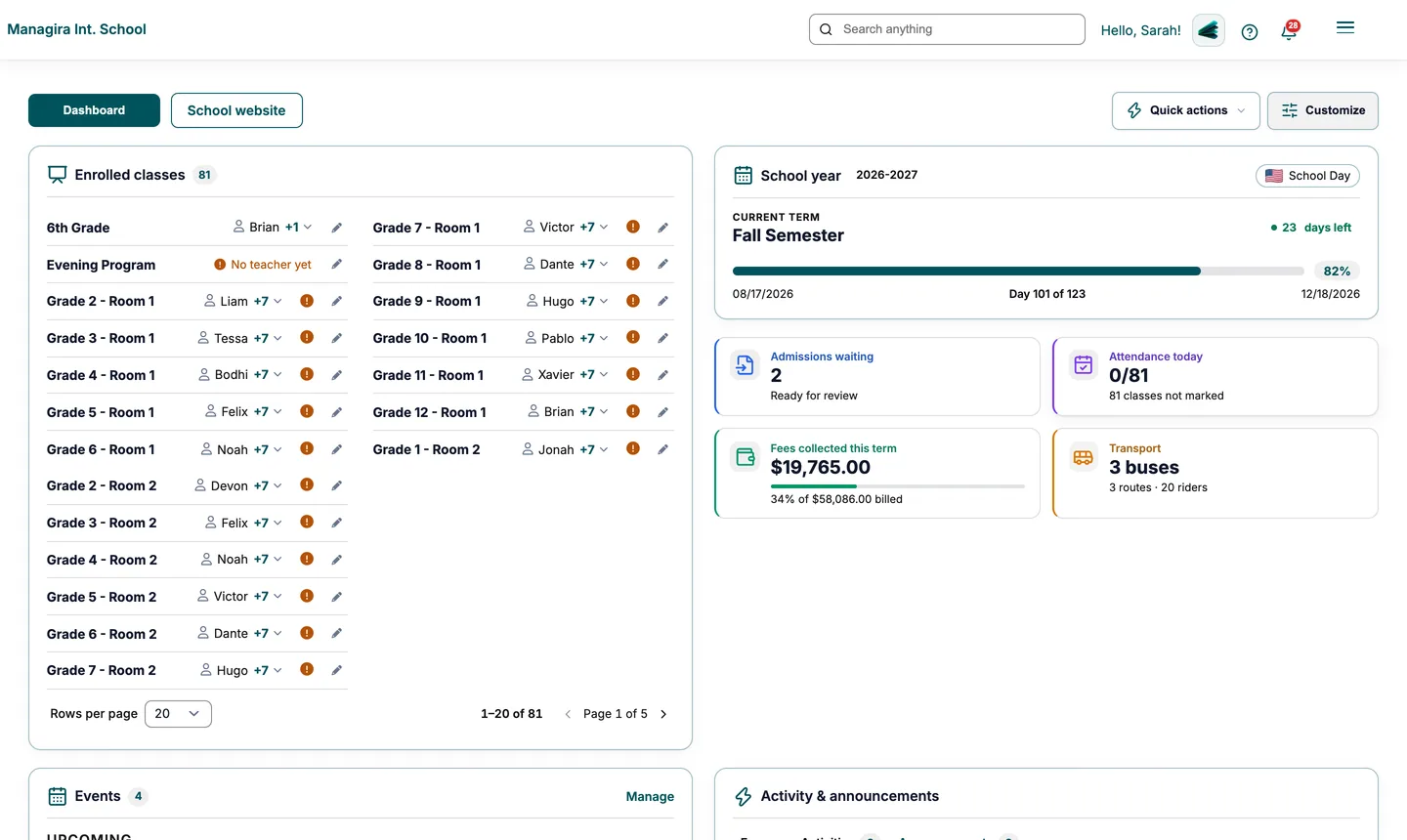
- Sees: every class on Home, and the menu: Management Tools, School website, Mailroom, Calendar, Birthdays, Admissions, Reports and Settings.
- Can: run the school's setup, staff, parents, students, billing, sign-in rules and single sign-on. Only managers change other managers.
- Learn more: Home, Staff accounts and permissions, Tenant configuration.
Supervisors
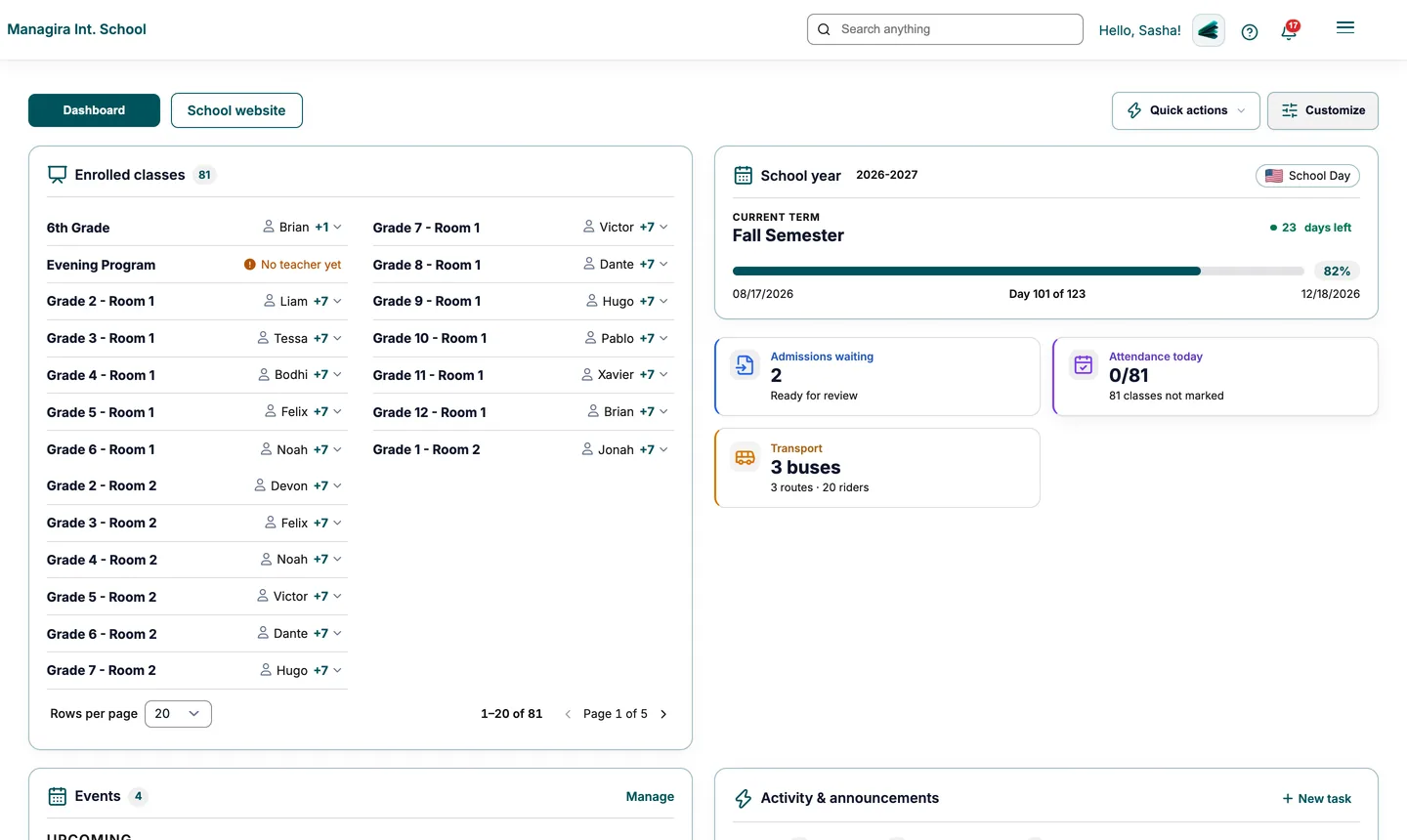
- Sees: every class on Home, like a manager, and the menus their permissions allow.
- Can: work across the school but not change managers, and only give permissions they hold themselves.
- Learn more: Roles and permissions.
Teachers
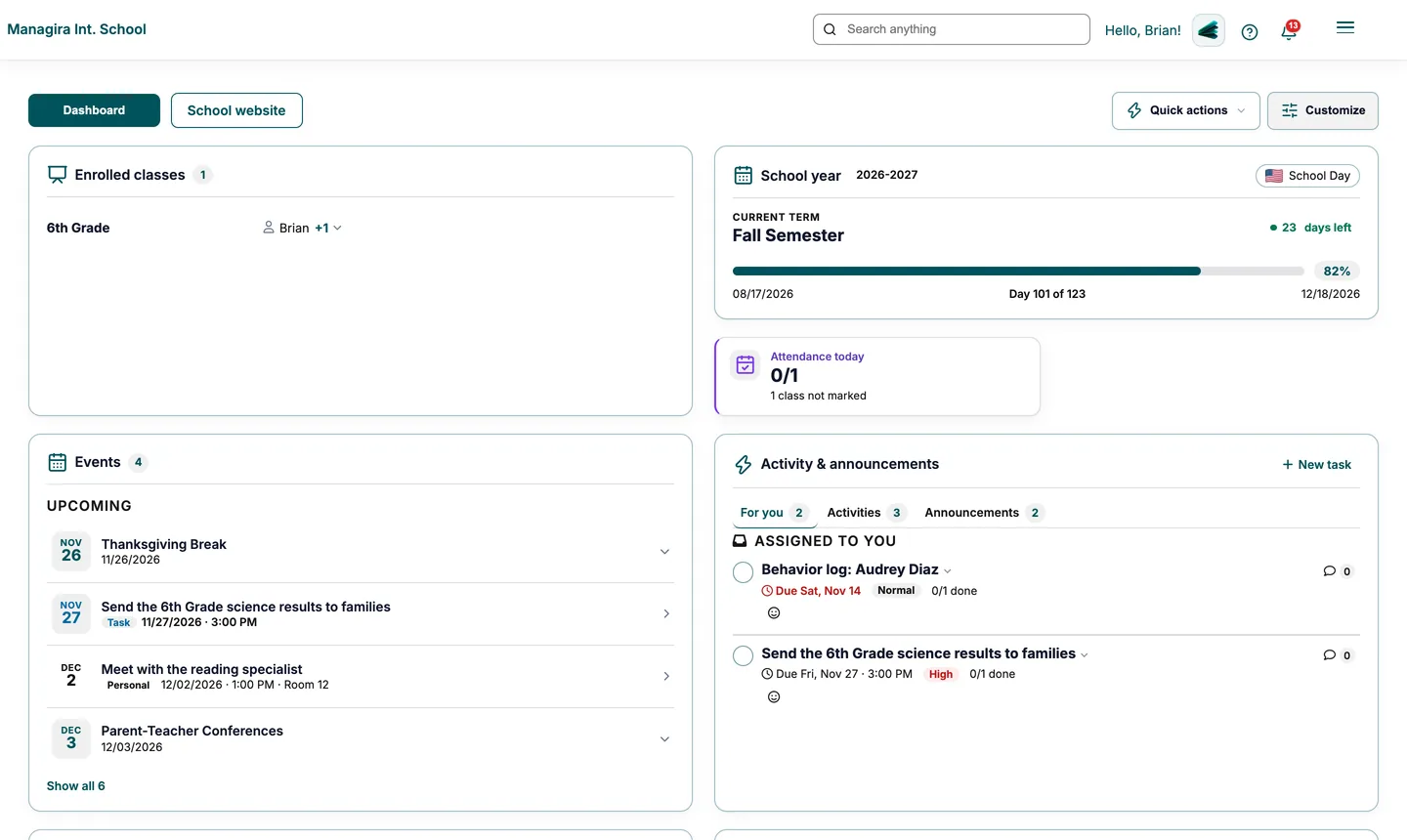
- Sees: only the classes they are assigned to, on Home and in search. Birthdays shows only their classes' students.
- Can: take attendance for classes they lead, grade, and work in their classroom pages. A main teacher leads a class; assistants work with them.
- Learn more: The class page, Take attendance, Your access.
Drivers
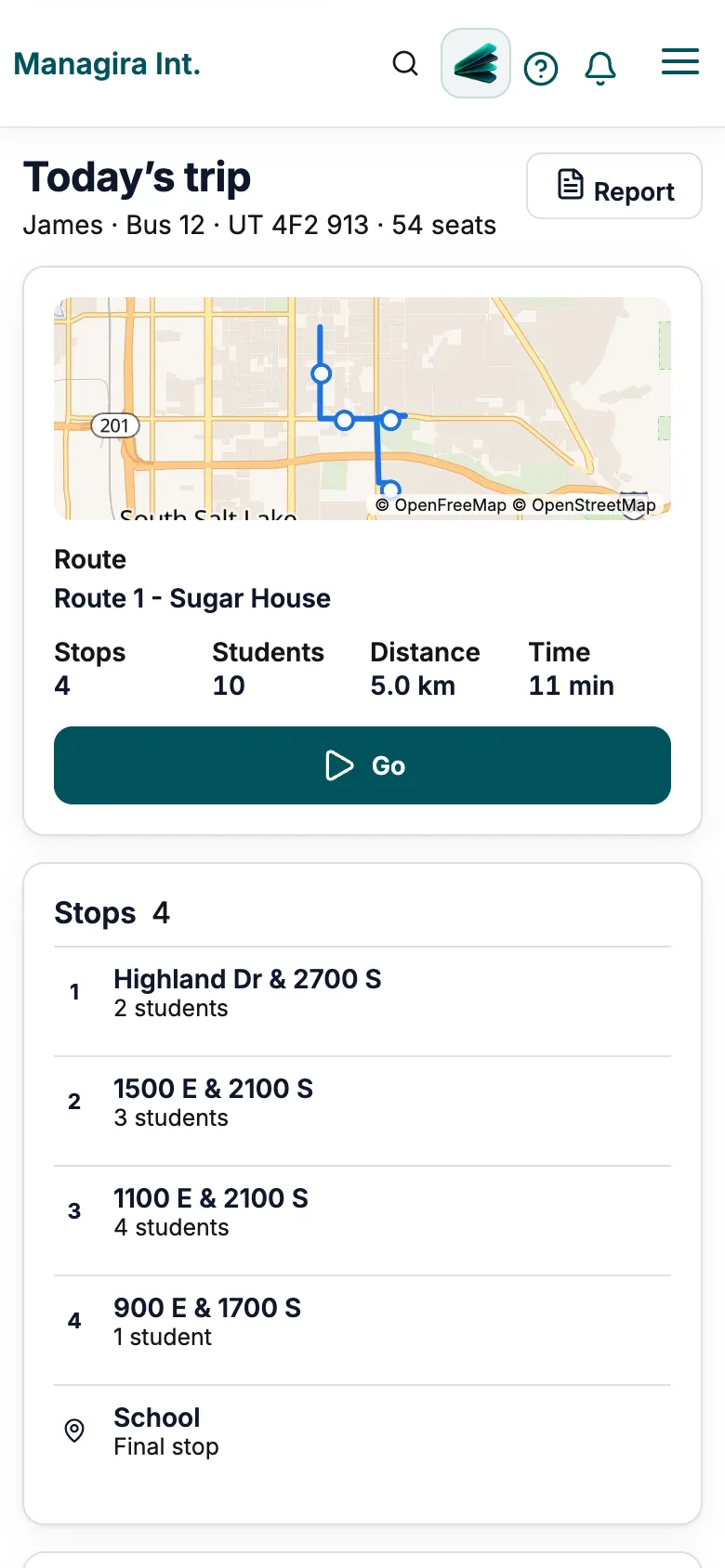
- Sees: today's trip, the route and its stops. Drivers get only driving pages. A lead driver also gets Users / Employees, to look after the other drivers.
- Can: start and end a trip, mark riders who are not coming, and send a report to the school.
- Learn more: The driver app.
Parents and guardians
- Sees: their children, as My Children cards. The menu has Dashboard, School website, Activities, Calendar, Messages, PayGira (when the school uses it), Settings and Logout.
- Can: open grades, attendance, report cards, messages and bills for their own children, and follow the bus.
- Learn more: The parent portal.
Students
- Sees: their own class, attendance, GPA (hidden until they tap the eye) and tiles for Schedule, Calendar, Activities, Grades, Teachers and Bus. The menu adds Testing Room when the school uses online tests.
- Can: take online tests, see results the school shares, and fill in forms.
- Learn more: The student portal.
Districts and hubs
- Sees: a left menu with Overview, Schools, Invitations, Leave requests, Billing and Reports, and what needs attention.
- Can: invite schools, open a school it manages, see billing and reports across all its schools.
- Learn more: Districts and education hubs.
Frequently asked questions
Can one person be a teacher and a manager?
A person has one role at a school. Managers can give a teacher extra permissions, such as Manage Students, without making them a manager.
A teacher can't see a class. Why?
Teachers see only classes they are assigned to. A manager assigns classes on the person's staff form, in Management Tools › Users / Employees.
Can a parent have children at two schools?
Yes. A parent with the same email at several Managira schools signs in once and sees each school's children after accepting the invitation on My Children. See The parent portal.
Was this guide helpful?