
Forms and your portfolio
Fill in forms your school asks for, and see your marks, files and report card term by term.
Forms is for things the school wants you to fill in. Portfolio shows how you are doing.
Who can do this: Students.
Forms
Tap Forms. A red number means a form is waiting.
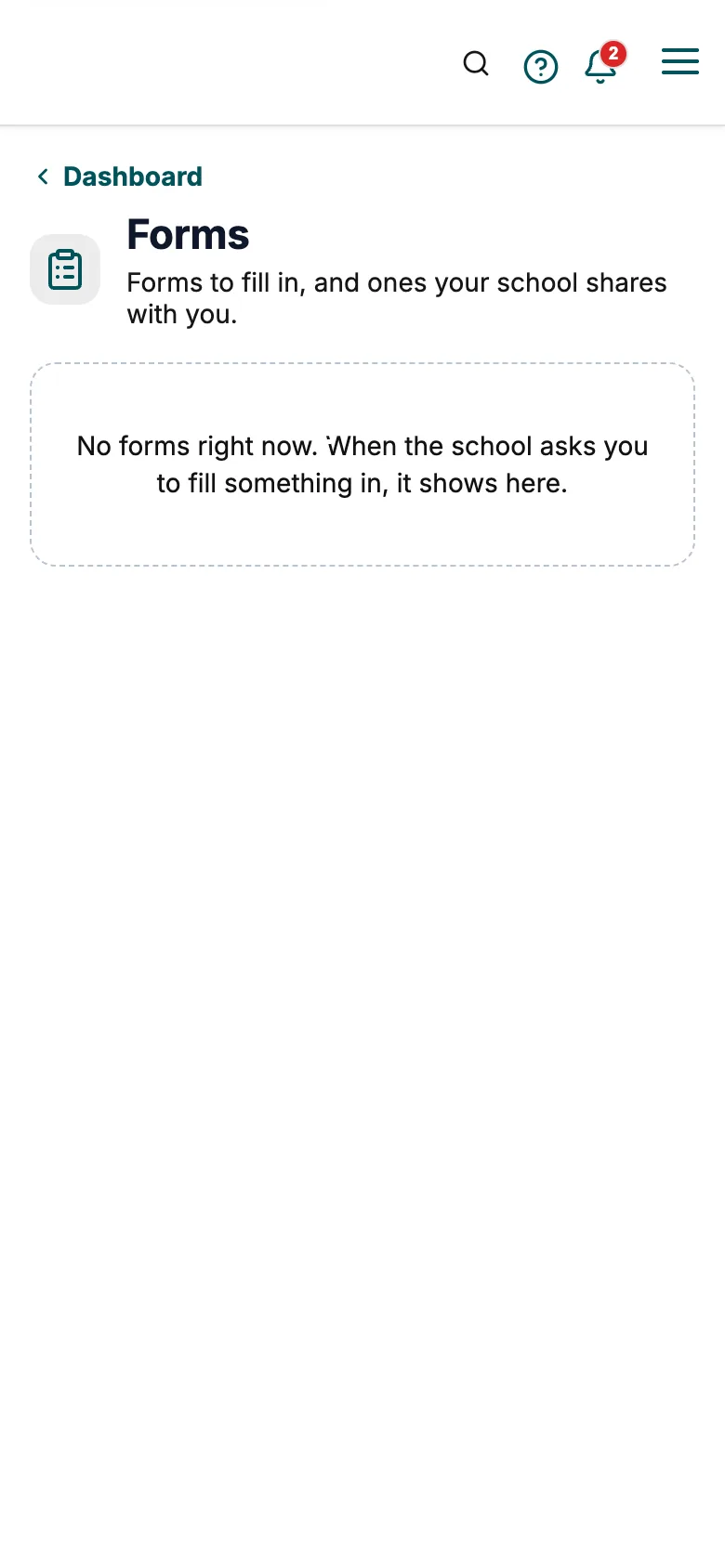
No forms right now. When there is one it shows here. Open a form, answer the questions and tap Send. Required questions have a red star.
Forms you have already sent move out of the waiting list.
Good to know: Forms waiting also show in the Requests tab on your home page.
Portfolio
Tap Portfolio. Student files shows papers the school shared with you.
Pick a term. You see your Average, how steady you are, your Marked work and your Report card once it is posted.
Consistency says Steady, Mostly steady or Up and down. It looks at how much your marks change.
Subjects shows each subject's percentage. Tap one to see its work.
Good to know: Your school decides whether files and the portfolio show for your class.
Was this guide helpful?